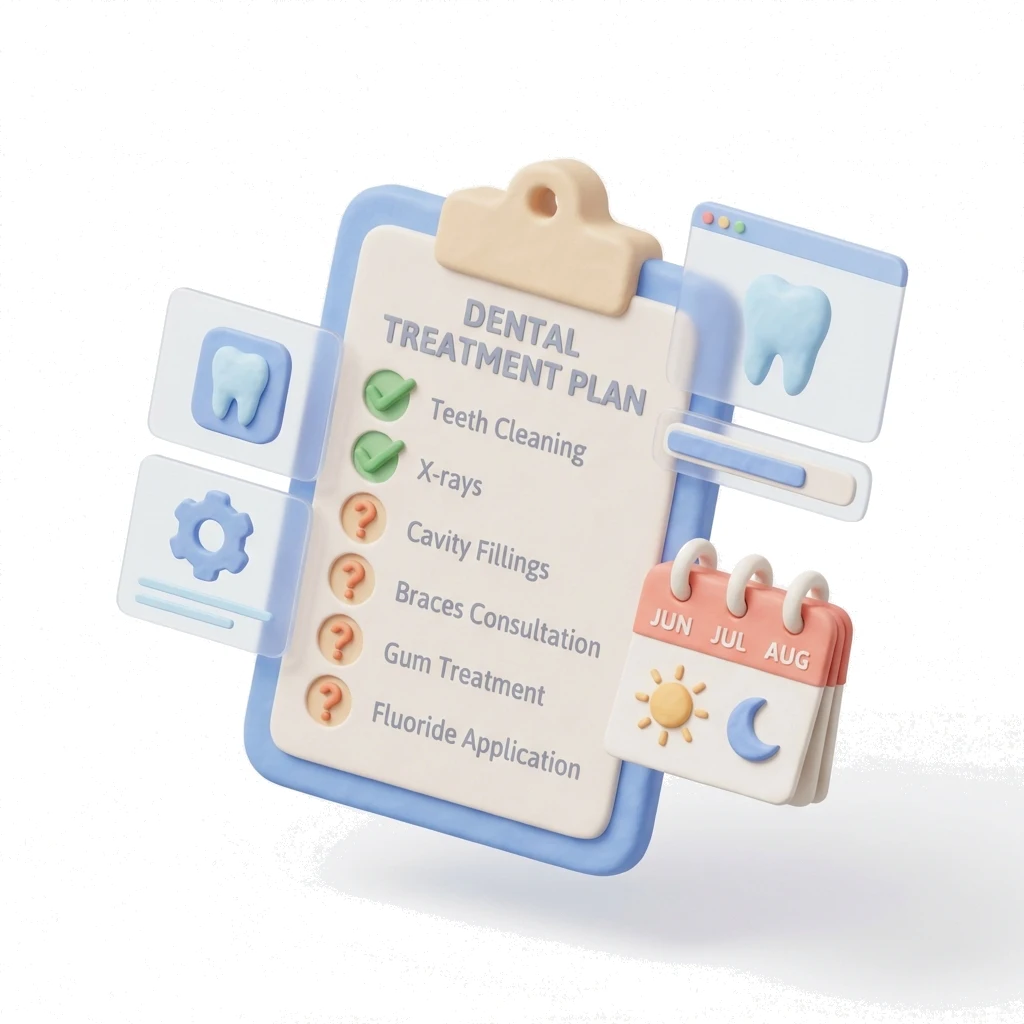
Treatment Tracking

Mark It Done. Move On.

You finished the crown prep. One tap and it is recorded. Plan updates, billing updates, reports update. No re-entry. No chasing paperwork after the patient leaves.
Medicasimple feature overview interface

The practice management platform behind 1,300+ healthcare clinics

From dental to physio, dietetics to aesthetics. One platform, every specialty. Built for clinics that want less admin and more time with patients.
Maxident logo
Dentapoint logo
Natürel Diş Logo
Antlara logo
Maxident logo
Dentapoint logo
Natürel Diş logo
Natürel Diş logo
Dentakay logo
Aliadent logo
Skala Dental logo
Dentakay logo
Aliadent logo
Skala Dental logo
Alpi Diş logo
Alpi Diş logo
Dentapoint logo
One-Click Completion
Mark treatments done as you work.
Visual Status Flow
Colour-coded progress at a glance.
Incomplete Case Alerts
Catch stalled plans before they slip away.
Bulk Actions
Complete multiple items at once after big cases.
01 Workflow

One Tap Updates

Click a treatment line, tap Complete. Status changes, billing updates, and reports reflect it instantly.

02 Visibility

Colours Tell the Story

Orange for waiting, blue for done, pink for diagnosis only. Glance at the chart and know instantly.

03 Follow-up

Find Quiet Plans

Filter by incomplete status and last visit date. Reach out before patients forget.

04 Control

Lock the Plan

Once finalised, lock the plan so pricing and items stay fixed even if catalogue updates.

Empezar

Ready to keep every treatment moving?

Track planned, waiting, completed, and quiet treatments without relying on memory or end-of-day paperwork.

Workflow fit check with your team Plan options when timing is right
Operational wins
What you get

Mark treatments complete without duplicate entry

Spot quiet plans before they become revenue leakage

Keep clinical status, billing, and reports aligned

Lock finalised plans when prices and items should not drift

Preguntas frecuentes

Preguntas frecuentes

Each treatment is either waiting or done. At plan level, you can see how many treatments are waiting, how many are done, and what remains.

Yes. Reverting removes the automatic entry and returns the treatment to its previous status. Any payment added manually stays untouched.

Yes. Filter by status to see open treatments, outstanding work, completed items, and quiet cases before they disappear from view.

Yes. Treatments can be assigned and transferred between providers while the plan stays in one unified patient record.

Related Features

Related Features

Empezar

See treatment tracking before another case goes quiet

Use the demo flow to compare completion tracking, plan visibility, and follow-up reporting against your current workflow.