-p-3200.webp)


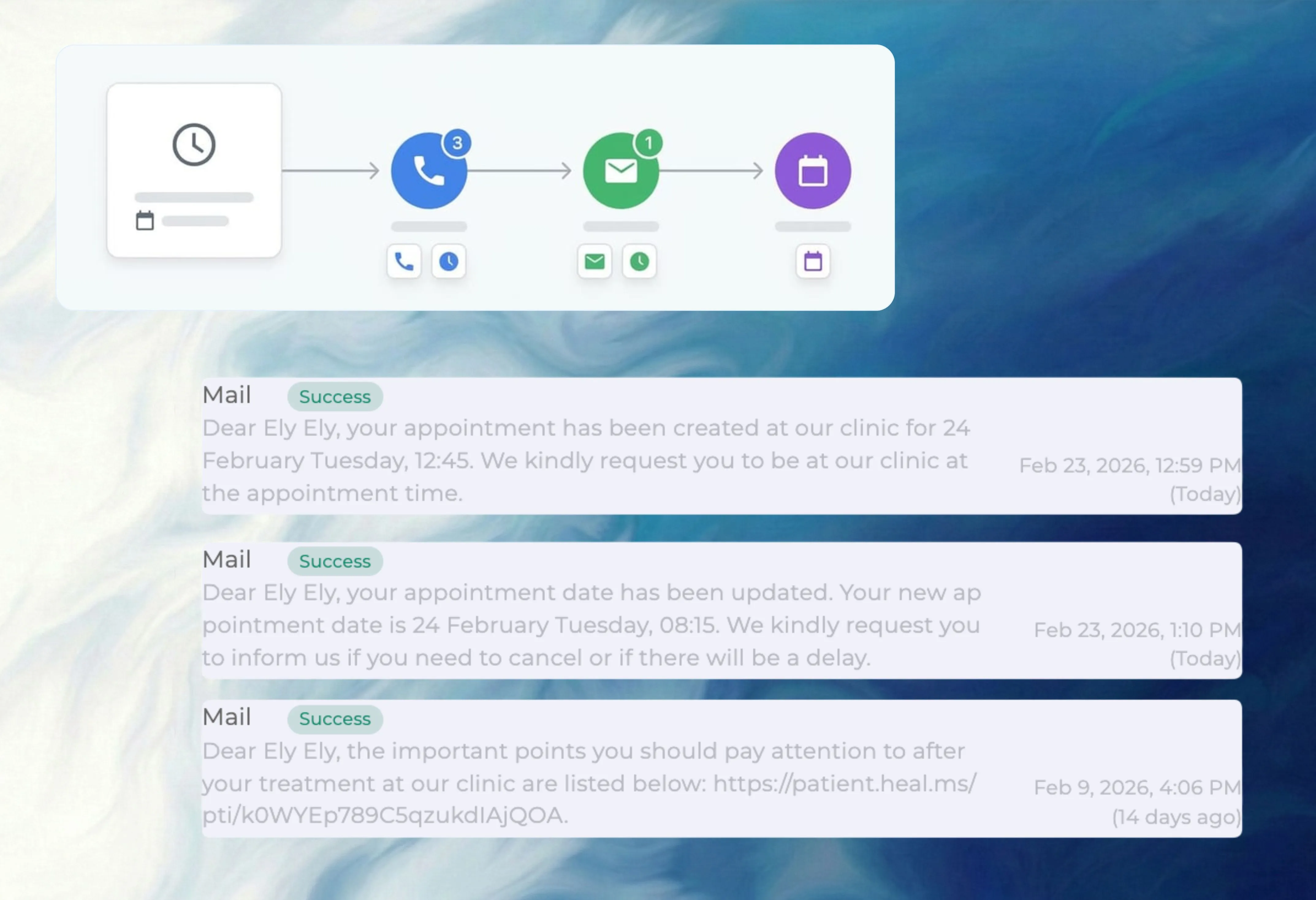
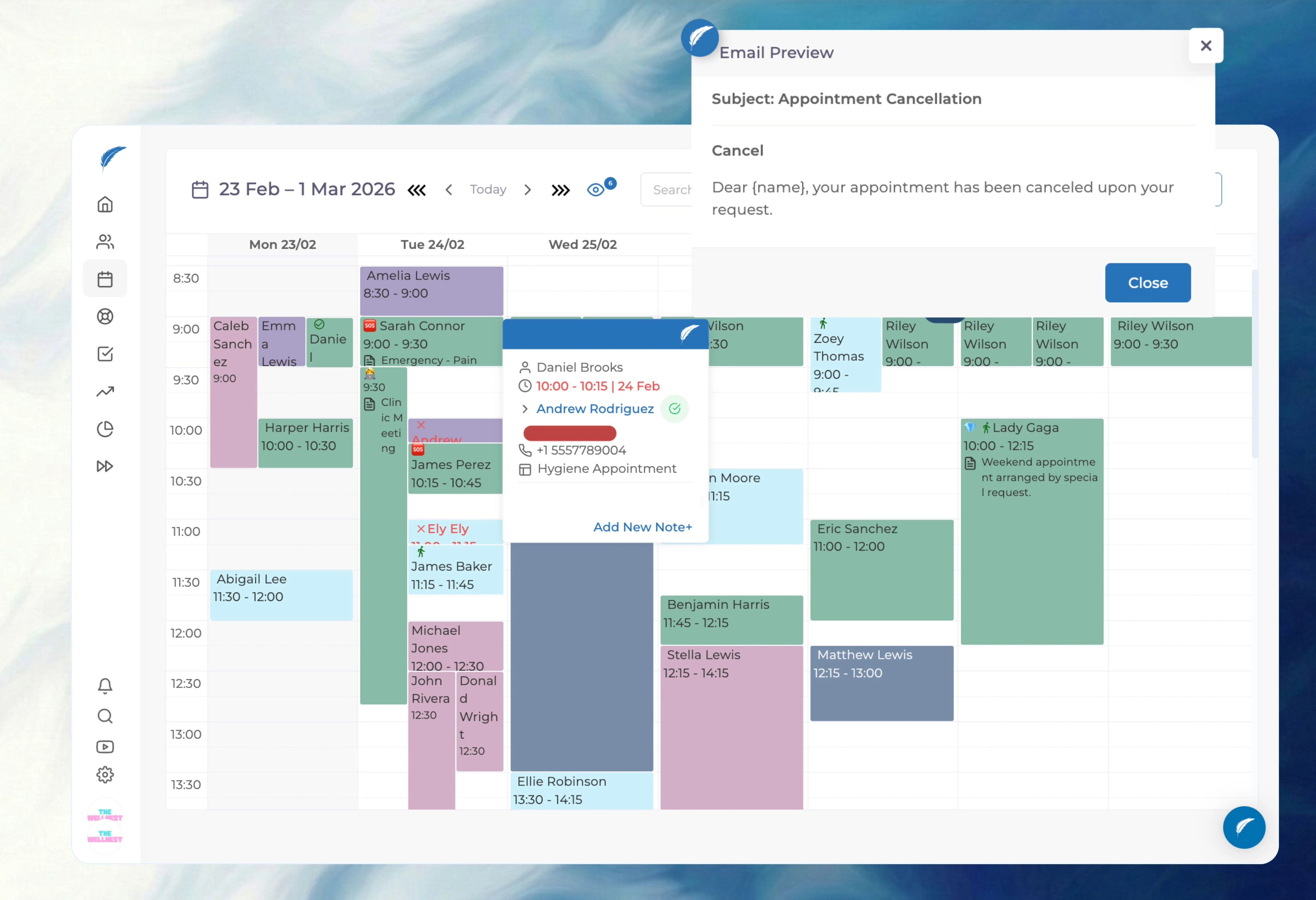
Define your reminder rules once—such as a WhatsApp nudge 3 days before and an SMS confirmation request 24 hours prior.
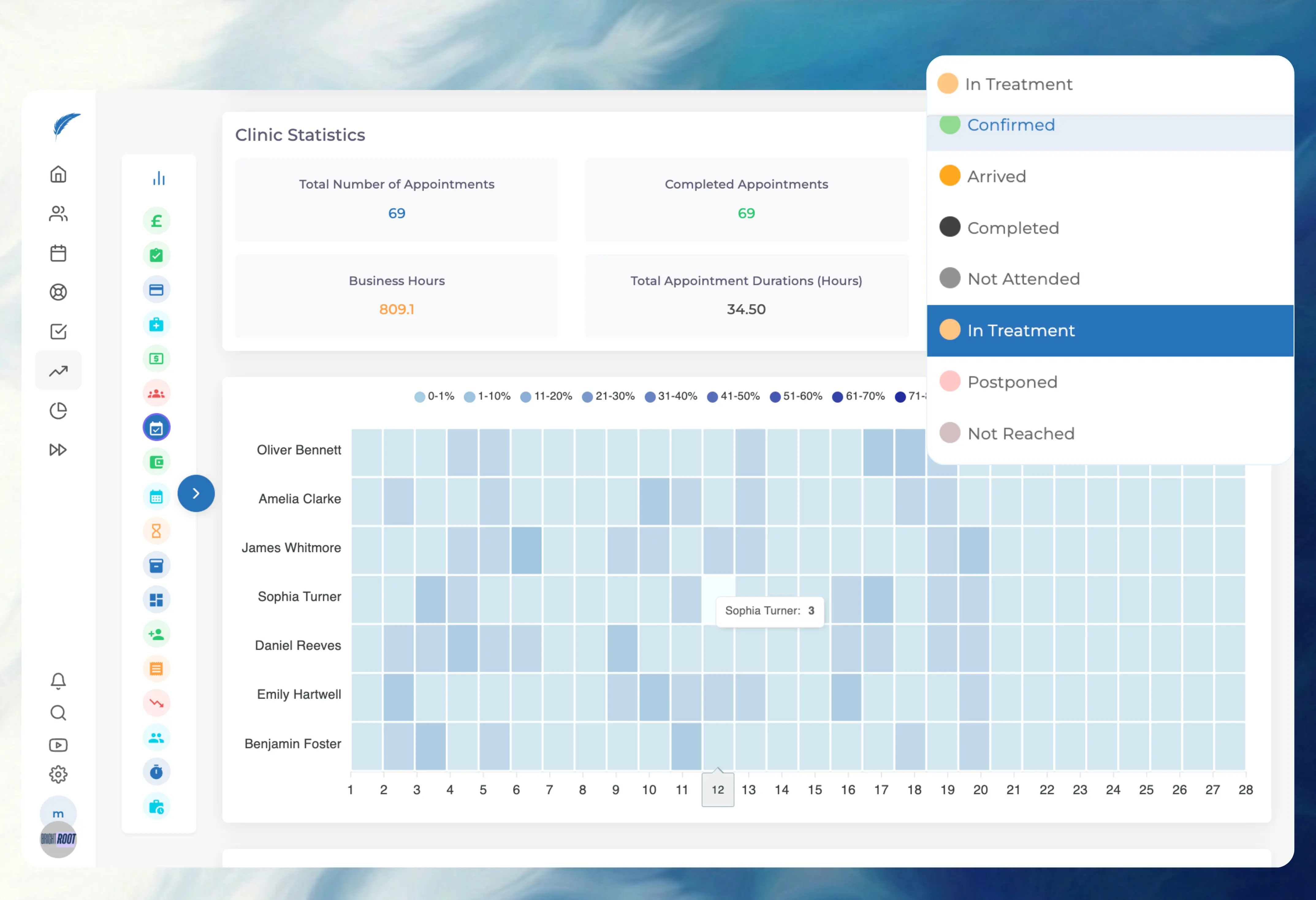
Stop cross-referencing a mobile phone with your desktop software. When a patient clicks the link, their appointment block turns green.
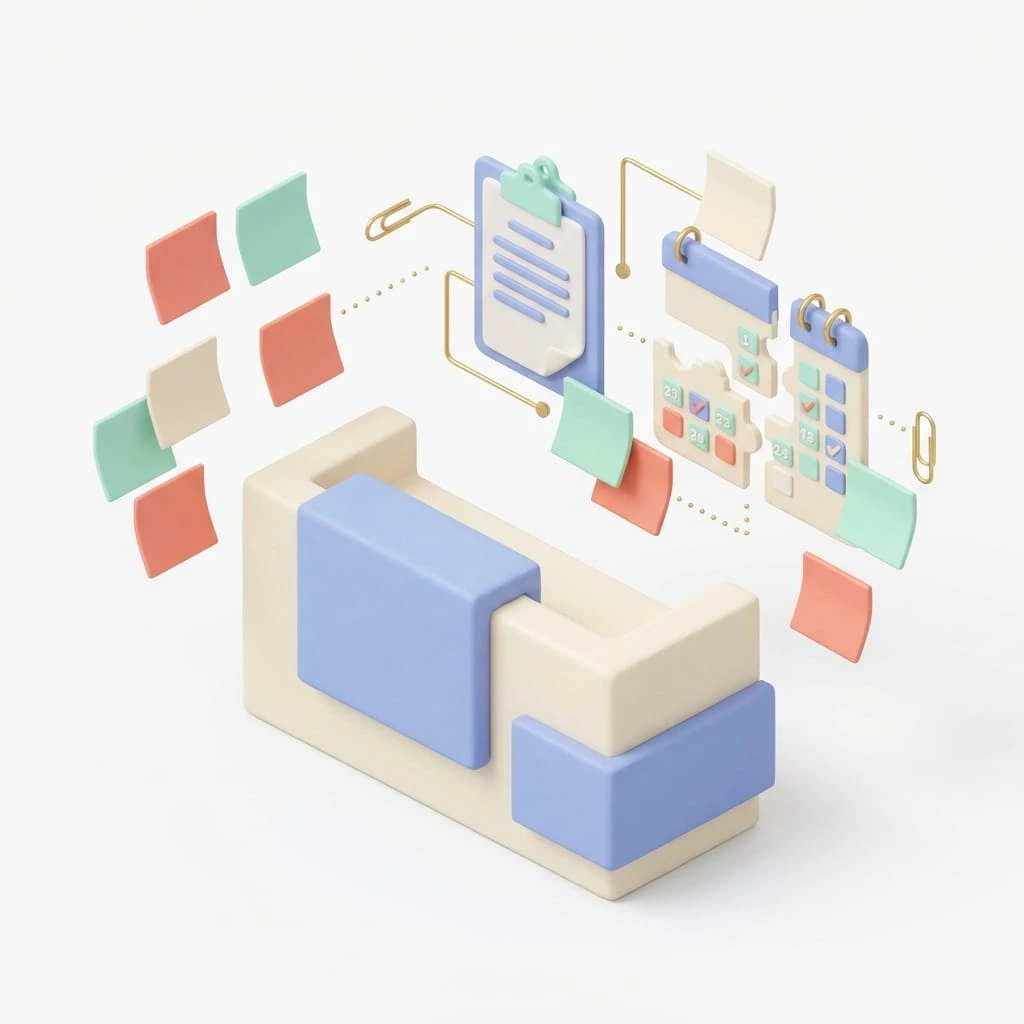
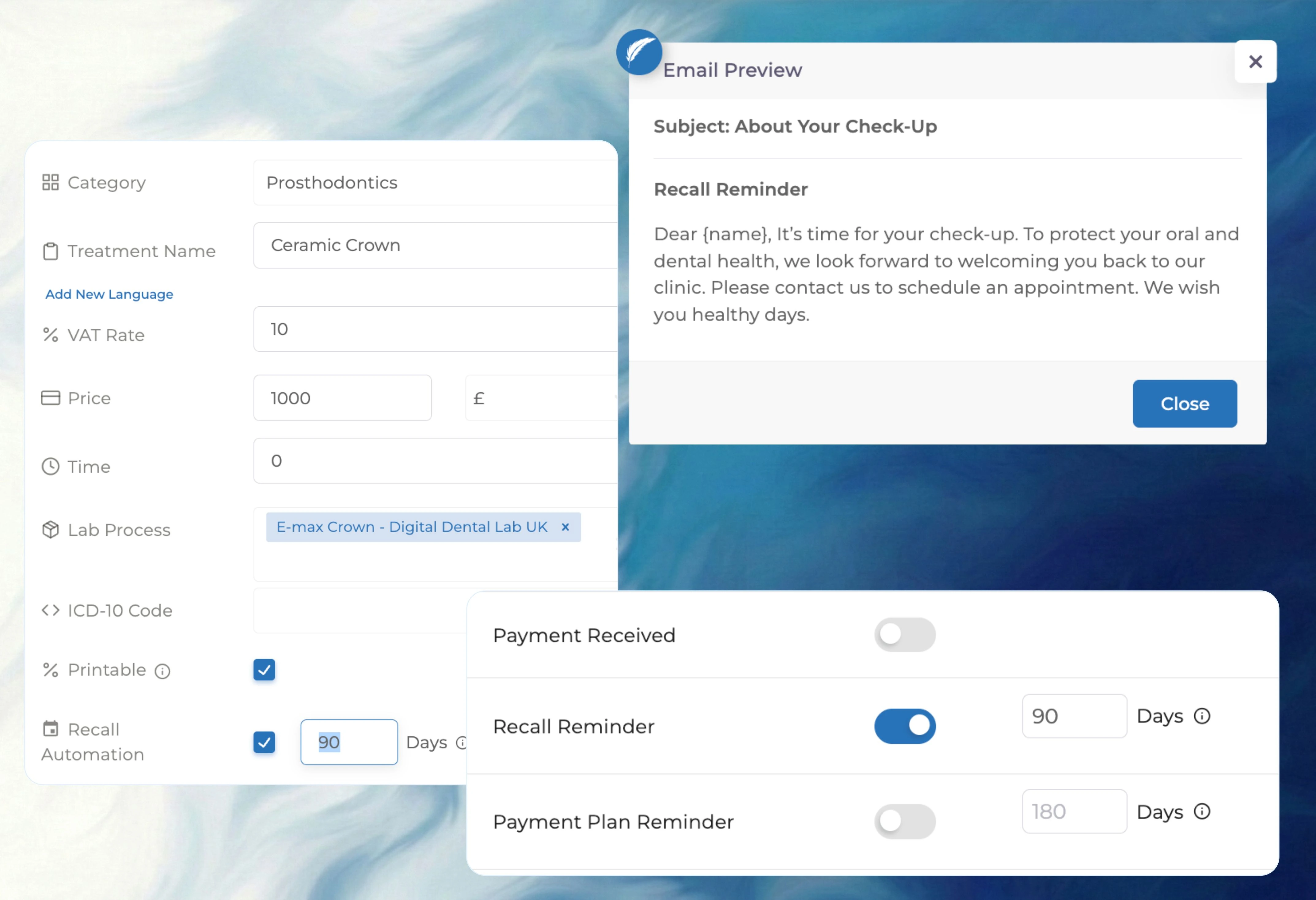
Don't rely on sticky notes to remember who is due for a check-up. The system automatically prompts patients when it's time for their next visit.
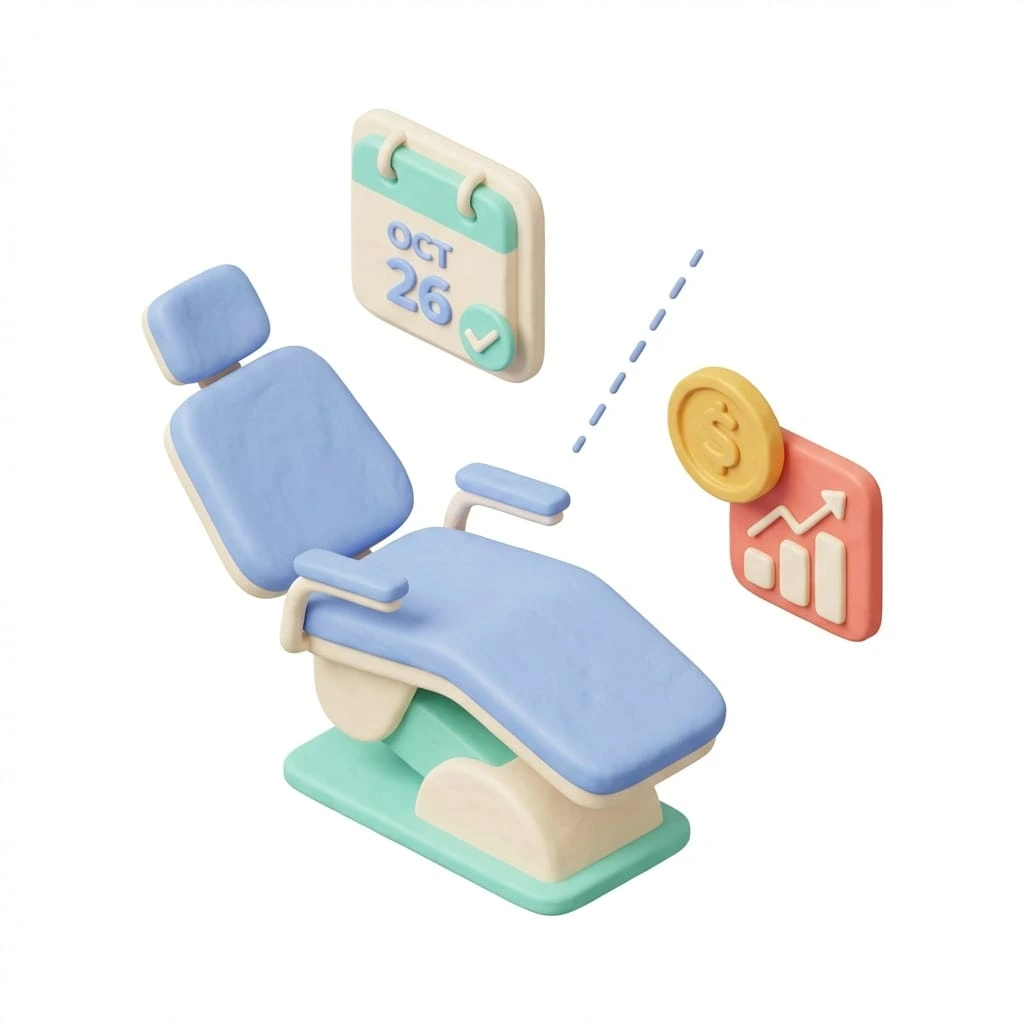
If a patient cancels, you get an instant dashboard notification. The slot opens up immediately so you can offer it to someone on your waiting list.
.webp)


.webp)
.webp)
.webp)

.webp)
.webp)
.webp)

.webp)



Let the software handle confirmations so your front desk can focus on the patients standing right in front of them.
Send automated WhatsApp and SMS reminders
Update the diary instantly when patients confirm
Fill empty slots faster with instant cancellation alerts
Set up smart rules for different appointment types
FAQ
Yes. As soon as a patient clicks the link or replies, their appointment slot turns green in your diary. You can see at a glance who is confirmed without checking a separate list.
You receive an instant notification in your dashboard so you can fill the slot immediately. The system flags the appointment as cancelled, allowing you to offer the time to a patient on your waiting list.
Yes. The system groups family appointments so a parent receives one clear summary message instead of five separate texts. This keeps communication tidy and reduces costs.
Yes. You can add a secure payment link directly into the SMS or email for appointments that require a deposit. The booking is only confirmed once the payment is received.
Yes. The system checks for new appointments constantly. If you book a patient for tomorrow morning, they will still receive the standard 24-hour reminder automatically.
Reminders only go to patients with a booked appointment profile. Blocked time for meetings or admin does not trigger any messages.
FAQ
No. Once you set your rules, the system runs automatically in the background. It checks your diary and sends the right message at the right time without you lifting a finger.
Yes. You can create different templates for different appointment types, like a friendly nudge for hygiene or a more formal note for surgery. You can also personalise them with the patient’s name and dentist’s name.
Yes. If a patient prefers a phone call or letter, you can disable SMS or email reminders on their individual profile. The system will respect this preference automatically.
Yes. You can set “quiet hours” to ensure messages only go out during the day. Any reminders scheduled for the middle of the night will wait until your chosen start time in the morning.
Incoming replies appear in your notification centre, not on a personal mobile. You can read the message and type a reply directly from the computer without picking up the phone.
Yes. You can choose to send reminders via WhatsApp, which often gets a faster response. If a patient doesn’t have WhatsApp, the system can fall back to SMS to ensure they still get the message.
FAQ
You can view a delivery status report for every message sent. The system flags any failures, such as a disconnected number, so you can update the patient’s details when they next visit.
Yes. Because Medicasimple is cloud-based, the reminders are sent from our servers, not your reception computer. Messages will still go out on time even if your clinic’s internet is offline.
Yes. The system automatically respects patient consent preferences for SMS and email. If a patient opts out, the system blocks reminders for that profile.
No. You can set a custom Sender ID (like “Smile Clinic”) so patients know exactly who the message is from. This increases trust and improves confirmation rates.
Yes. Every appointment card has a full communication history. You can see exactly what message was sent, when it was delivered, and any replies received, all in one place.
It is instant. Medicasimple is an all-in-one system, so there is no delay between a patient confirming and your diary updating. The status you see on screen is always live.
Book a demo to see how automated WhatsApp and SMS reminders keep your clinic full with fewer routine confirmation calls from your team.