






Staff
01Record the expense
Add the clinic expense, attach the supplier, and set the category.

See how each part of Medicasimple connects into one calmer clinic workflow that is practical, secure, and built to make the next step feel obvious.
Explore practical answers, clinic stories, product thinking, and team context before you take the next step.
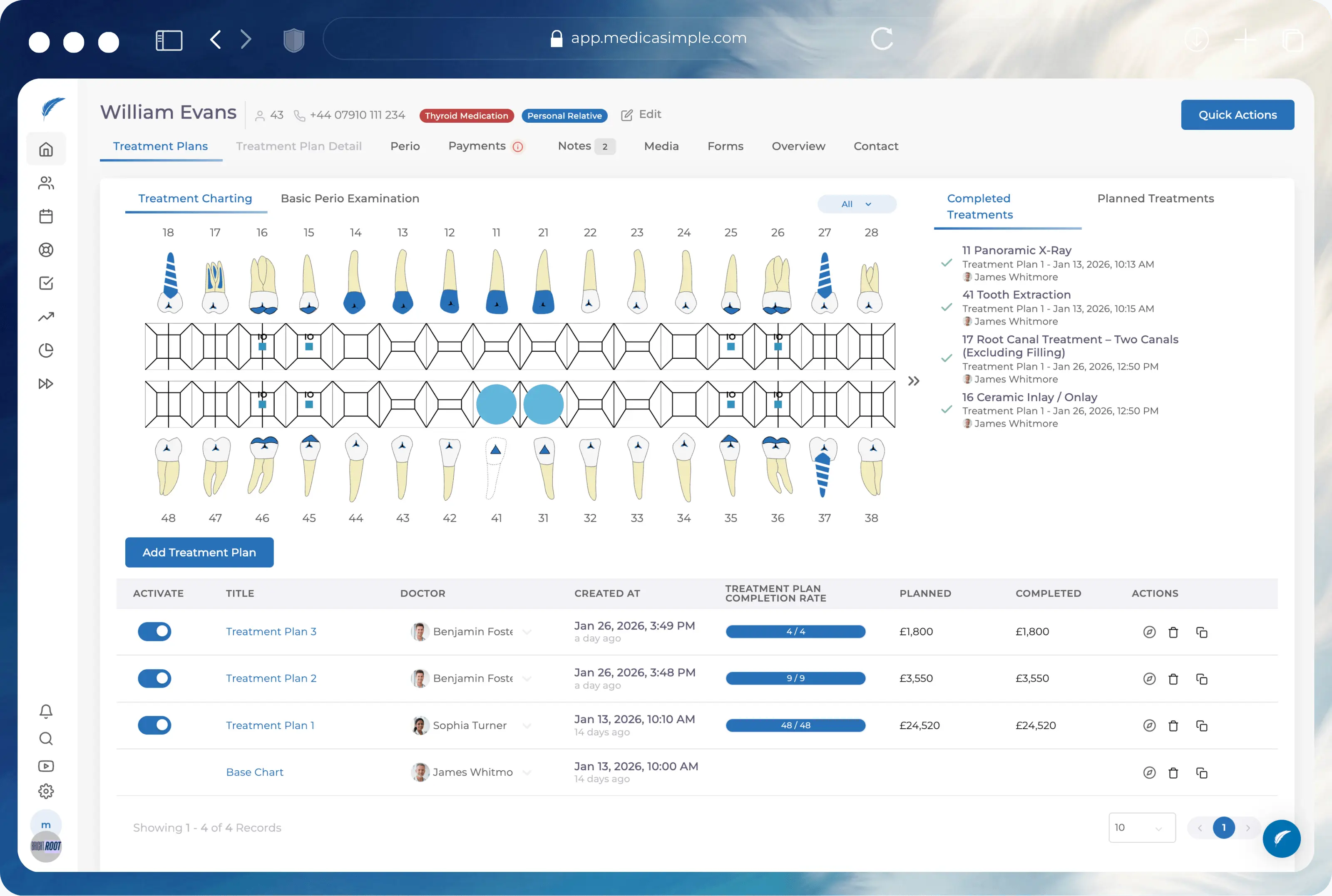
From dental to physio, dietetics to aesthetics. One platform, every specialty. Built for clinics that want less admin and more time with patients.






























Track the operational path from a new cost to current-account movement and payment status.
Add the clinic expense, attach the supplier, and set the category.
Keep the recorded debt separate from the cash payment when the invoice is not settled immediately.
Check supplier, lab, or bank movement through current accounts before making a payment.
Use branch-aware reports and filters to understand cost pressure without replacing your accounting software.
Recorded expenses, payment state, current-account movement, and permissions stay close to the workflows they explain.
Add invoices or clinic costs with category and institution context. Stop letting paper records pile up on the desk.
Connect expenses to configured labs so running balances and previous payments remain visible before you pay the next bill.
Record the expense today and the payment when cash actually leaves the account. Keep debt and cash movement distinct.
Use day-end reports with filters, categories, institutions, and payment details to see where the money went.
Track recorded costs, open supplier balances, and day-end context without turning operational software into accounting software.
Record general and patient-linked expenses
Separate unpaid bills from actual payments
Track configured lab and supplier balances
Restrict sensitive reports by permissions
FAQ
Quick answers about expense tracking, supplier costs, paid/unpaid movement, and permissions.
No. Medicasimple is operational software. It helps teams record expenses and current-account movement, while statutory tax work remains with your accountant.
Yes. Labs and suppliers act as current-account institutions. Recorded expenses and payments update their running balance.
Yes. The workflow separates the expense record from the payment movement. You can record an invoice today and log the payment next week.
FAQ
Yes, where the relevant current-account and treatment setup exists. This provides treatment-linked context for operational review.
Yes. The system supports day-end reports, detailed expense filters, exports, categories, and currency views where configured.
Yes. Expenses can be edited or deleted from current-account workflows, though updates are preferred to preserve the operational trail.
FAQ
Access depends on package, plan, and role permissions. You control who sees sensitive financial data.
Expense and reporting context can be branch-sensitive, keeping costs clear across different clinic locations.
Expense management works best when it connects to current accounts, operational reporting, inventory pressure, and treatment-cost context.
See the guide, recent changes, and practical thinking that can help you move this workflow forward.
Book a demo to see how expense records, paid/unpaid movement, and current-account reporting support cleaner decisions.