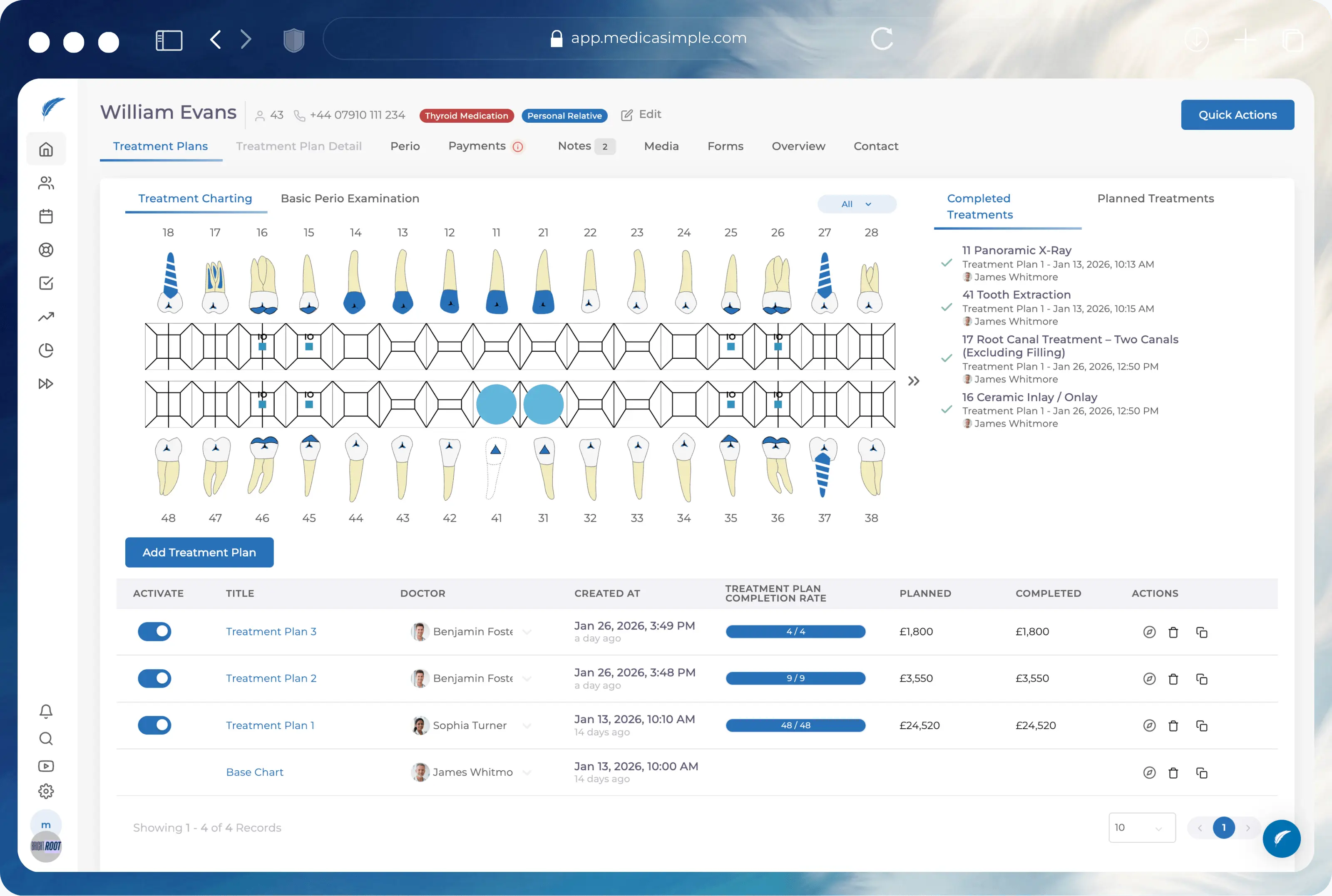

Dental task management software

Dental Task Management Software for Busy Clinics

Create patient follow-ups, lab and admin actions, and daily clinic tasks in Medicasimple. Assign work to a person or department, keep context close to the patient, and reduce scattered requests across your team.
Medicasimple feature overview interface

The practice management platform behind 1,300+ healthcare clinics

From dental to physio, dietetics to aesthetics. One platform, every specialty. Built for clinics that want less admin and more time with patients.
Maxident logo
Dentapoint logo
Natürel Diş Logo
Antlara logo
Maxident logo
Dentapoint logo
Natürel Diş logo
Natürel Diş logo
Dentakay logo
Aliadent logo
Skala Dental logo
Dentakay logo
Aliadent logo
Skala Dental logo
Alpi Diş logo
Alpi Diş logo
Dentapoint logo
Assign the next action
Route tasks to a person or department so the team knows who should move the work forward.
Keep patient context attached
Create patient-linked tasks so the follow-up sits close to the case, not in a separate chat thread.
Reduce scattered requests
Move WhatsApp-style requests, verbal reminders, and screenshots into a shared clinic workflow.
Track active and completed work
Use task lists to review open work, date-filtered work, and completed tasks.
How it works

From quick request to owned clinic task.

Turn work that usually lives in messages into a task your team can create, route, follow, and review inside the clinic workflow.

Clinic teamTask workflowPatient contextWork review
āœļø
Create
Create the clinic task
Add the title, description, date, and the patient context when the next action belongs to a case.
🧭
Route
Assign responsibility
Choose the responsible person or department so the work has a clear route from the start.
🦷
Context
Keep the patient connected
When the task is a follow-up, keep the patient context attached instead of sending the team back to chat.
šŸ””
Notify
Notify the right user
Assigned users can receive the task notification and supported workflow alerts where they are configured.
āœ…
Review
Review active and completed work
Use task lists to check open work, date-filtered work, and completed tasks without rebuilding the day from memory.
šŸ“‹
Daily work view
Task list stays ready
Managers can review the daily workload by active, date-filtered, and completed task states.
task card created with date and description
responsible person or department selected
patient follow-up context stays attached
active and completed lists stay ready for review
Clinic task ready Ā· owner selected Ā· context attached Ā· list visible
Built for dental clinic operations

Task work that sits inside your practice workflow

A separate to-do app creates another place to check. Medicasimple keeps task work near patients, appointments, and daily clinic responsibilities.

Patient-linked follow-up

Create a task from patient context so the next action stays attached to the case, date, owner, and note.

Follow-up task
Assigned
Patient contextAttached
Treatment follow-up after the visit
Due dateTomorrow
Task descriptionReady
Owner route
Responsible personSelected
Department routeAvailable
Reception, clinical, and coordinator work can use the route that matches the task.
Person or department routing

Assign work to an individual or a department when a team needs to pick up the next action.

Reception callbackPerson
Lab admin checkDepartment
Notes and task actions
Update tasks, add notes, complete work, or correct a task when the plan changes.
Add a task note
Keep the update beside the work item instead of burying it in chat.
Complete or correct
Close the task when work is done, or adjust it when the plan changes.
Task-list visibility

Review active work, completed work, and date-filtered tasks from the task list.

Active tasksOpen
Date-filtered workToday
Completed tasksVisible
Workflow notifications

Keep users informed when a task is assigned to them or a supported workflow event needs attention.

Assigned taskNotify
Workflow eventAlert
Shared clinic task list

Move daily task chasing out of scattered messages and into a shared workflow the team can assign and follow.

Clinic queue
Live
Patient follow-upOwned
Lab/admin actionRouted
Daily clinic taskVisible
Next action
Ready
Responsible routeset
The right person or department can pick up the work without rebuilding context.
Shared status keeps the task easier to follow than a screenshot or verbal reminder.
01Create

Create the clinic task

Add the task title, description, date, and patient context when the work relates to a patient.

Medicasimple feature overview interface
02Assign

Assign the right route

Send the task to a responsible person or department, depending on who should pick up the next action.

Medicasimple feature overview interface
03Review

Keep work visible

Review active, completed, and date-filtered tasks so managers can see what moved.

Medicasimple feature overview interface
Get started

Keep daily clinic work from disappearing

See how Medicasimple helps your team create, assign, and review patient-linked clinic tasks.

Workflow fit check with your teamPlan options when timing is right
Operational wins
What you get

Create patient-linked follow-ups

Assign work to a person or department

Keep notes and next actions close to the task

Review active, date-filtered, and completed work

FAQ

Frequently asked questions

Dental task management software helps a clinic create, assign, and follow daily operational tasks. In Medicasimple, tasks can sit close to patient context and clinic workflows.

Yes. Medicasimple supports assigning a task to a responsible person or a department, depending on how your clinic handles the work.

Related Features

Related Features

Get started

Ready to make clinic tasks easier to own?

Book a demo to see how task management works inside Medicasimple.