Calendar Management

A dental diary that doesn't rely on guesswork

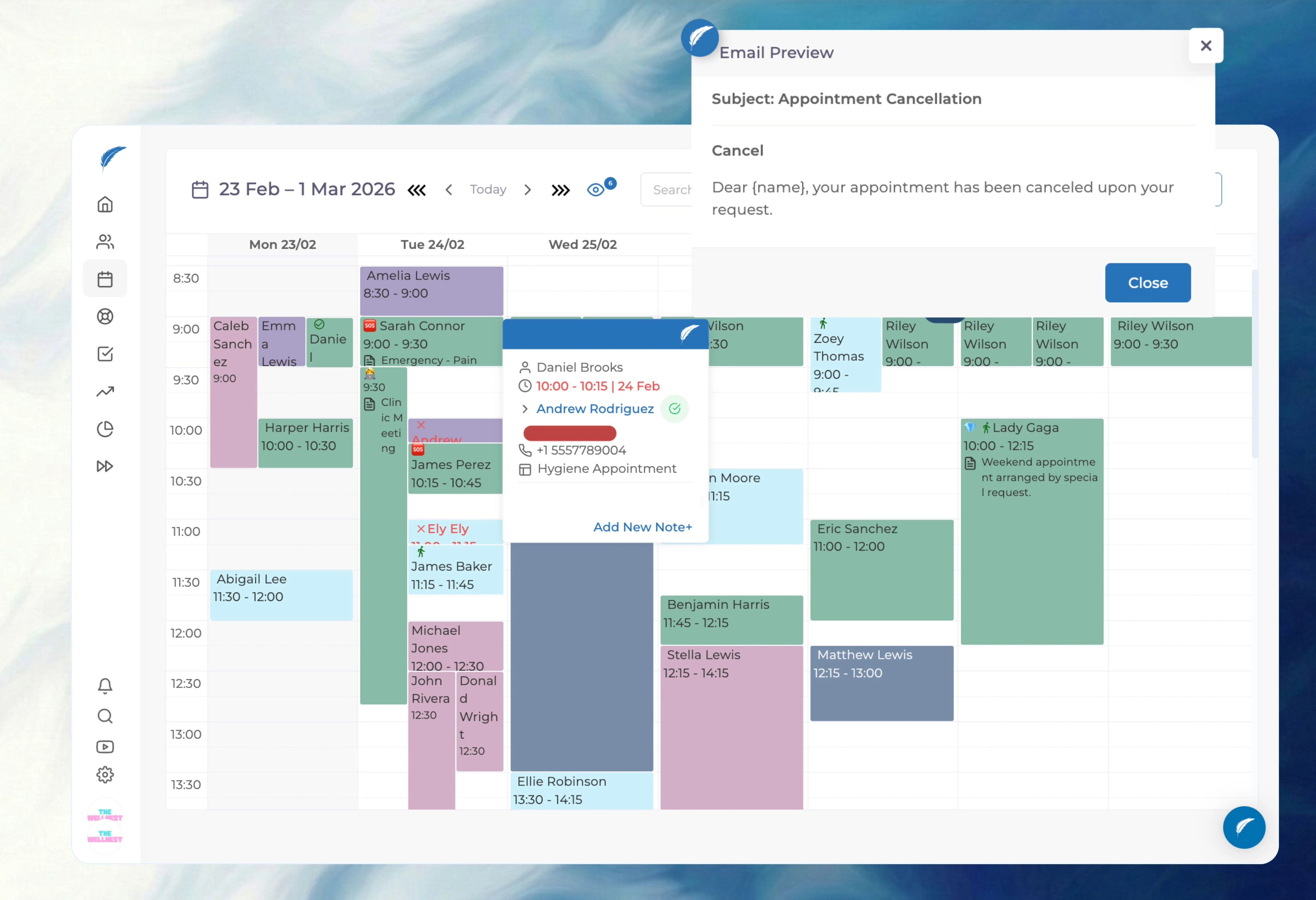
Your front desk handles calls, walk-ins, and questions all at once. Give them a calendar that shows valid slots instantly, warns about clashes, and tracks patient status without the hallway shouting.
Medicasimple feature overview interface

The practice management platform behind 1,300+ healthcare clinics

From dental to physio, dietetics to aesthetics. One platform, every specialty. Built for clinics that want less admin and more time with patients.
Maxident logo
Dentapoint logo
Natürel Diş Logo
Antlara logo
Maxident logo
Dentapoint logo
Natürel Diş logo
Natürel Diş logo
Dentakay logo
Aliadent logo
Skala Dental logo
Dentakay logo
Aliadent logo
Skala Dental logo
Alpi Diş logo
Alpi Diş logo
Dentapoint logo
Find Slots Instantly
See valid, open times in seconds when a patient is on the phone.
Stop the Clashes
Rule-based warnings catch overlapping bookings before you confirm.
Know Who's Where
Track patients from waiting to seated without leaving the desk.
Drag to Reschedule
Move an appointment in one motion without losing the notes.
The Reality

A busy clinic shouldn't run on panic

Reception teams juggle ringing phones, waiting patients, and doctors asking for updates. When the calendar requires manual checks for every booking, mistakes happen.
Illustration of hidden white space in a dental diary
The Double-Book Apology
A slot looks open, but it conflicts with a doctor's actual hours. You book it, realize the error, and have to call the patient back to apologize.
Illustration of communication gaps about patient readiness
The Status Blind Spot
Is the patient in the chair? Did they leave? Reception and clinicians waste time chasing each other for basic status updates.
Illustration of panic caused by double-booking
The Hidden Gaps
Cancellations leave open slots that go unnoticed. You lose revenue simply because the team couldn't see the available time fast enough.
01Availability Rules

Block bad bookings automatically

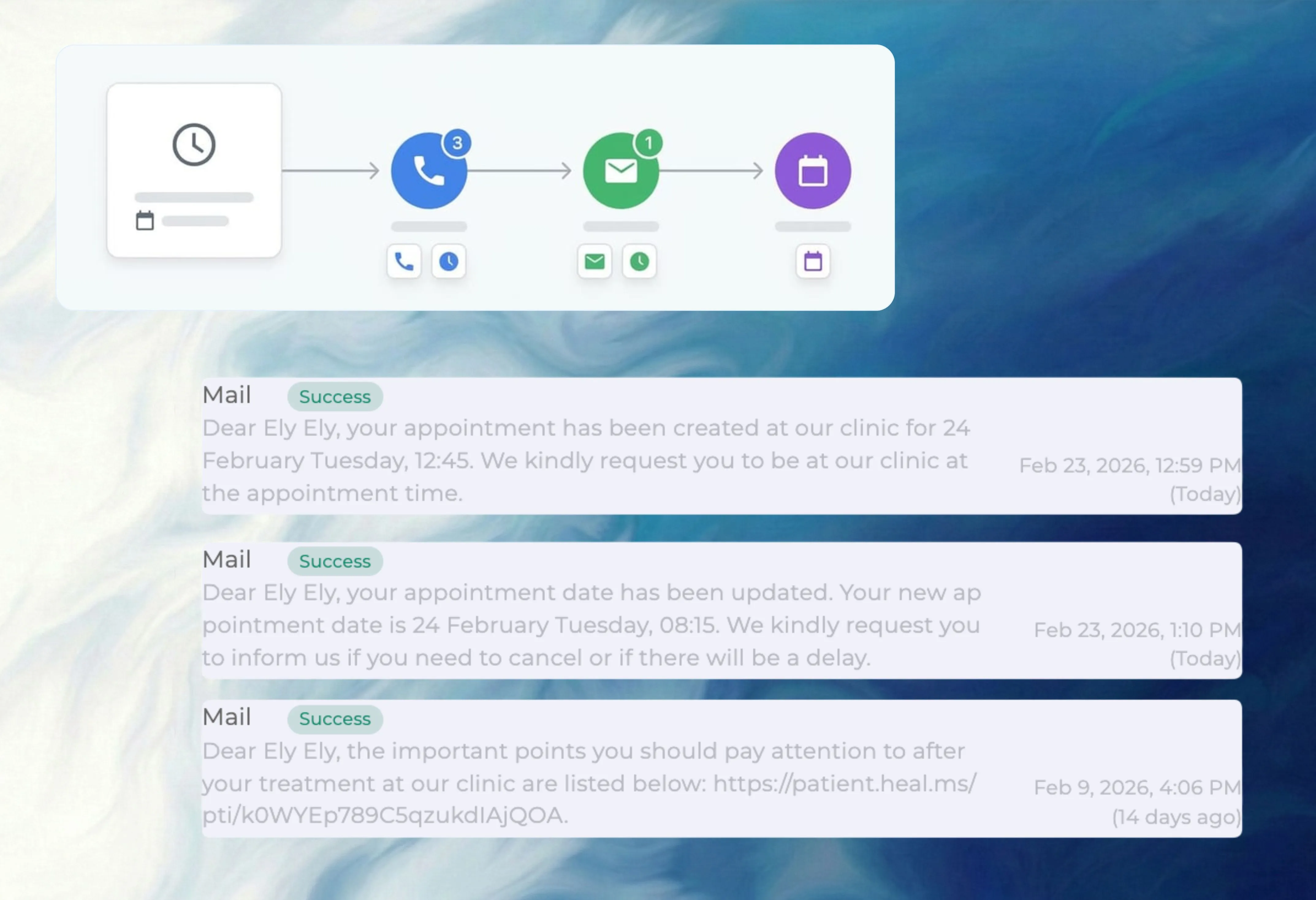
Set clinic hours, doctor availability, and treatment durations. The calendar applies these rules to highlight valid slots and warn you about conflicts before you confirm.

Rule-based slot control in Medicasimple
02Patient Status

End the hallway status checks

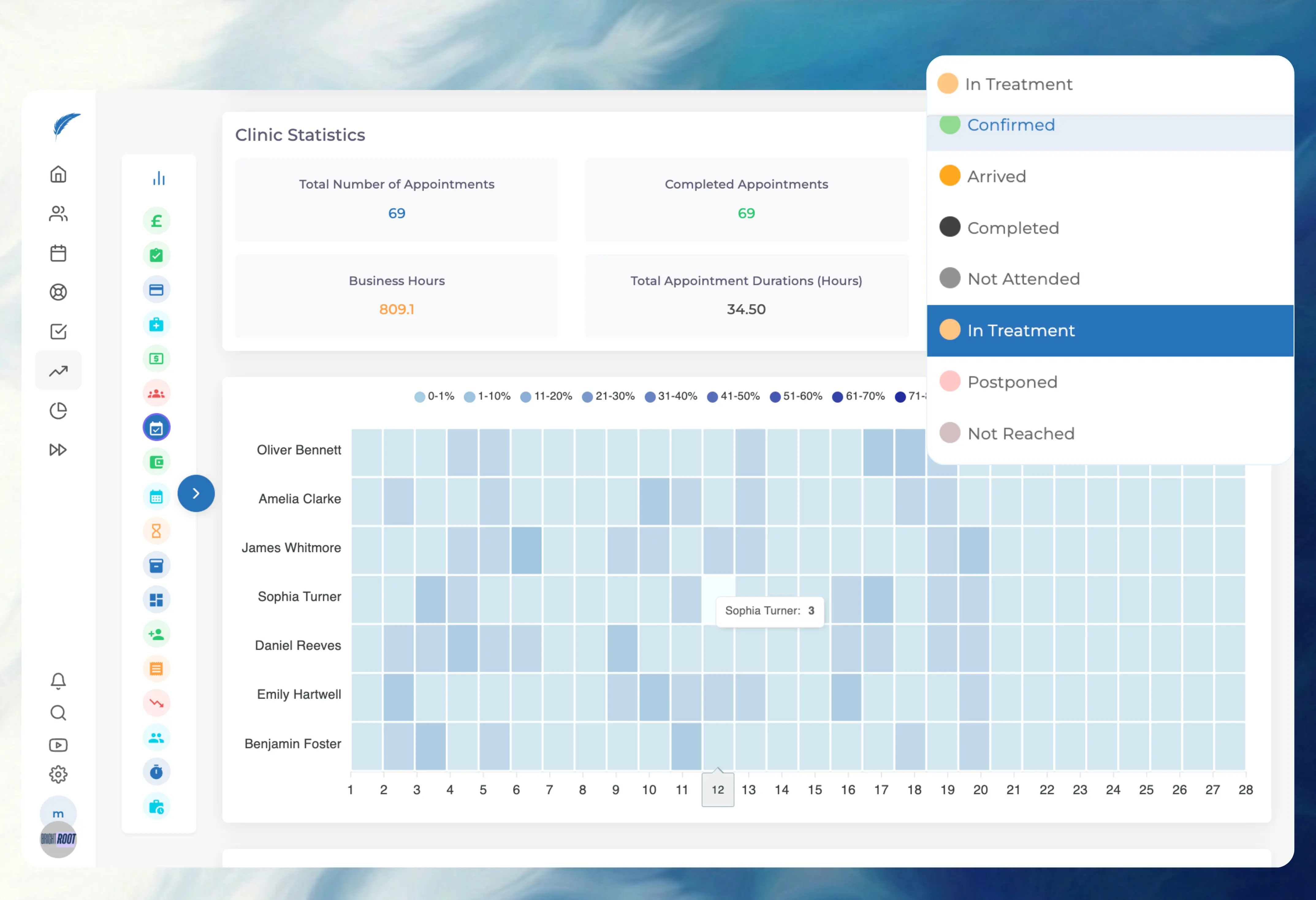
Track patients through waiting, seated, completed, cancelled, or postponed states. Everyone sees the flow, and your daily reports stay perfectly accurate.

Live patient status visibility in the calendar
03Provider Views

See the whole team or just one chair

Filter the calendar to see the entire practice capacity or focus on specific doctors. Role-based permissions ensure staff only see the schedules they need to.

Multi-clinician view control filtering options
04Rescheduling

Move bookings without the mess

Drag and drop appointments to reschedule instantly without losing patient context. Set up recurring visits using simple weekly interval, day, and total-count rules.

Drag-and-drop rescheduling and recurring flow
Get started

Ready for a calendar you can actually trust?

See how Medicasimple stops the double-booking chaos and gives your front desk the clarity they need.

Cleaner availabilityStatus discipline
Operational wins
What you get

Book slots that respect doctor and clinic hours

Lock appointment duration and clinician context together

Track patient flow with reliable status updates

Review the daily schedule securely from any device

FAQ

General

Quick answers about availability, clinician visibility, status flow, recurring appointments, rescheduling, exports, and daily reporting.

Can we control availability by clinician?

Yes. Set specific working hours, breaks, and rules for each clinician. The front desk only sees valid slots matching the provider's actual schedule, reducing booking errors.

Can we reduce avoidable booking conflicts?

Yes. The calendar checks rules before you confirm a slot. If a booking overlaps with a break or another appointment, it flags the conflict immediately.

Can we manage recurring appointments?

Yes. You can set up appointments to repeat based on a weekly interval, selected days, and a total visit count. This makes planning long-term treatment schedules much faster.

Can we find open slots quickly during calls?

Yes. Use calendar views and filters to instantly spot available times for specific providers or appointment types while the patient is on the line.

Can we handle last-minute booking changes?

Yes. Drag and drop an appointment to move it. The system preserves the patient and workflow context so you don't have to re-enter details.

Can we keep blocked times protected?

Yes. Work days, breaks, holidays, and other non-bookable windows are part of the core availability logic. You won't accidentally squeeze a patient into reserved time.

FAQ

Workflow

Does status update in real time?

Yes. Appointment statuses like waiting, seated, completed, cancelled, or postponed reflect instantly on the shared calendar screen for all users.

Can front desk and clinicians stay aligned on patient flow?

Yes. Live status visibility lets everyone see exactly where the patient is in the clinic, cutting out constant hallway checks and interruptions.

Can we filter by provider without losing the team view?

Yes. You can toggle between full-team views and individual provider schedules based on role permissions and filters.

Can we keep appointment notes attached after rescheduling?

Yes. When you drag and drop to reschedule, the notes and context move with the appointment.

Can we work with multi-clinician schedules in one place?

Yes. The multi-clinician view displays practice capacity across all providers, making it easy to spot gaps and plan the day.

Can we adjust scheduling flow during busy hours?

Yes. Fast appointment creation, default types, and quick status changes are designed for high-speed reception work.

FAQ

Technical

Does status discipline affect reporting quality?

Yes. Accurate statuses feed your daily monitoring and operational reports. Proper status use ensures your management data reflects reality.

Can we track cancellation and attendance trends?

Yes. Using clear cancelled, postponed, and did-not-attend statuses creates a clean history. This helps you spot reliability patterns.

Can we review appointment change history?

Yes. Key appointment and status actions are logged so you have accountability in your workflow.

Can recurring workflows improve planning reliability?

Yes. Recurring appointment rules reduce manual entry for predictable treatments based on clear weekly interval logic.

Can we export practical calendar views for review?

Yes. You can export calendar views depending on the day, week, or month scope.

Can mobile teams review scheduling actions?

Yes. Authorized staff can review the schedule securely from their mobile devices without needing to call the front desk.

Related Features

Related Features

Get started

See the calendar before another busy day starts

Use the demo flow to review availability rules, status discipline, and rescheduling against your current reception workflow.