


August'24
View the product updates and changes for August 2024.
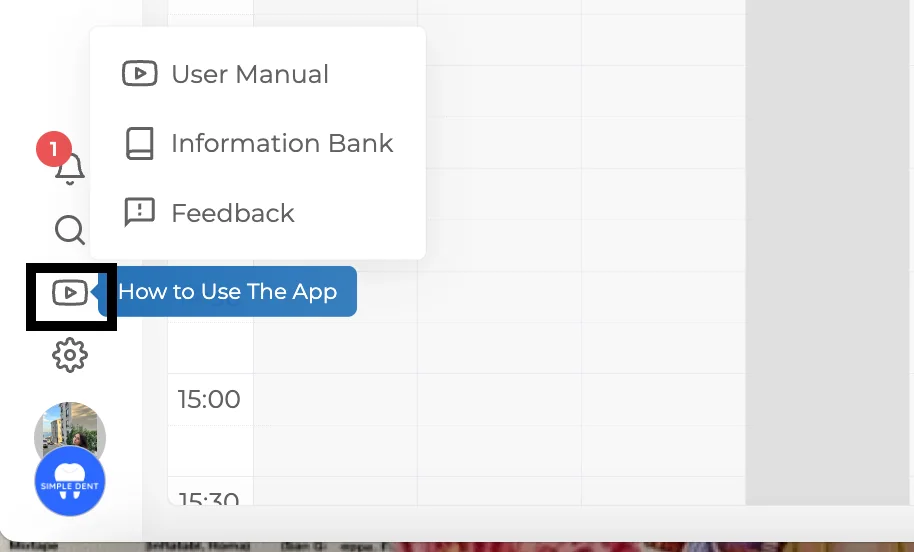
🎉 New Feature: 'How to Use the Application' Guide 📖
Explore our new "User Guide" section where you can find detailed explanations of all the application's features.
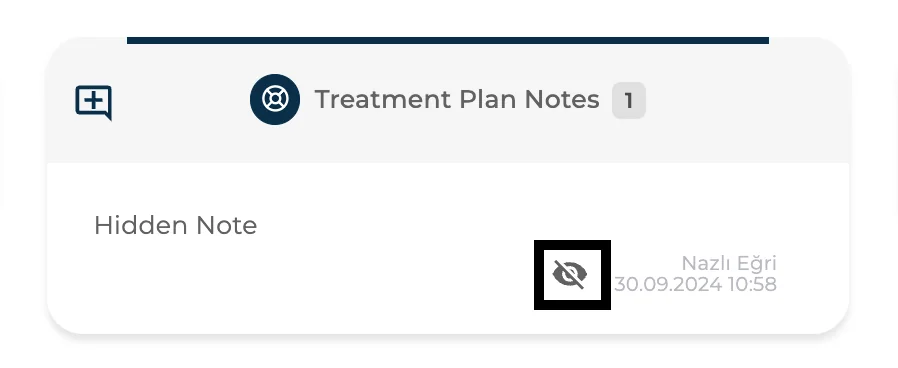
🎉 New Feature: Secret Note Option 🗒
Now you can add "Secret Notes" for patients that only authorized users can view.
🎉 New Feature: Daily Monitoring Report 📈
View all the important data you need to monitor in one place with our new "Daily Monitoring Report," consolidating multiple reports into a single view.
🎉 New Feature: Appointment Occupancy Report 📅
Visualize your doctors' workloads on a single screen using colors. Darker shades indicate busier schedules, while lighter shades show availability for accepting more patients.
🎉 New Feature: Clinic Configurations ⚙
Customize your clinic's settings according to your preferences with new adjustable options tailored to your clinic's needs.
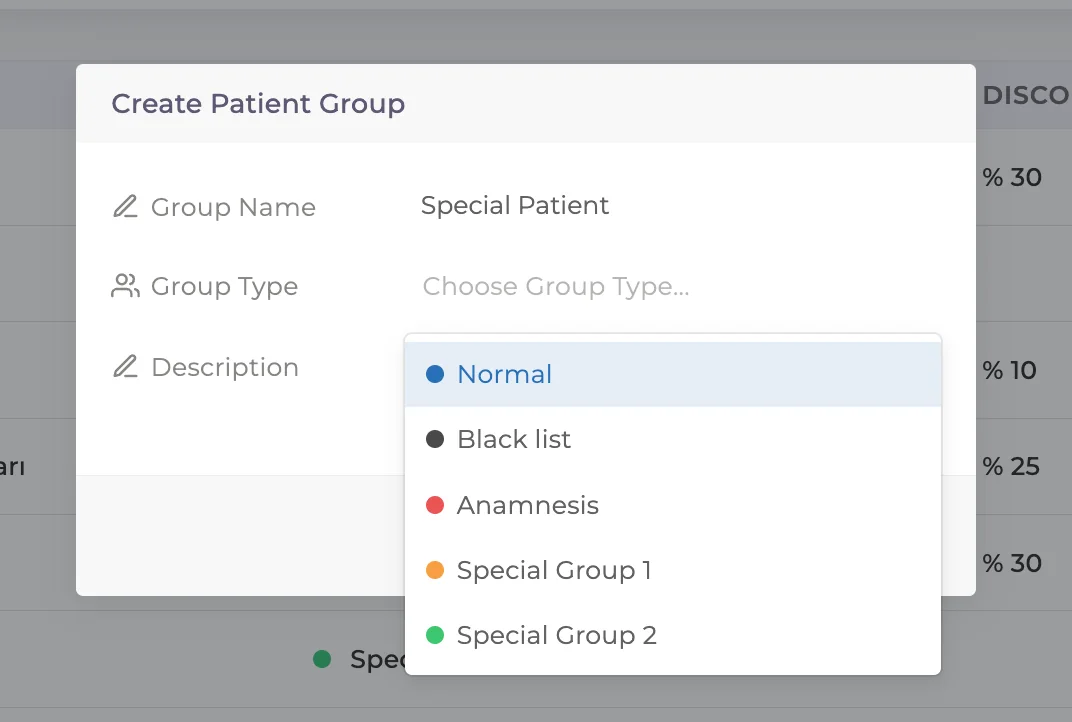
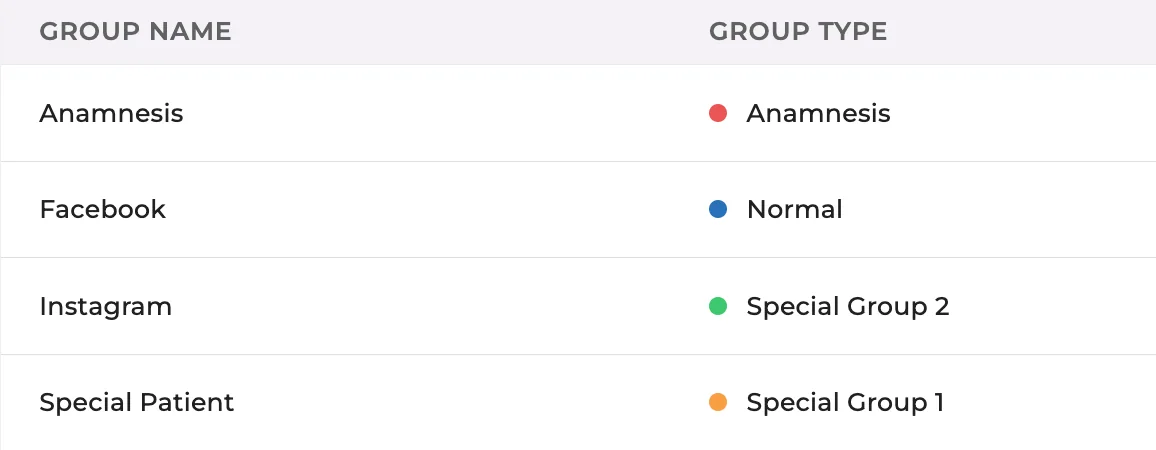
🎉 New Feature: New Patient Group Types Added 🌟
Easily categorize patients with different colors and labels to better organize and differentiate them.
🎉 New Feature: Export All Patient Notes 📊
Now you can export all notes related to a patient into a single Excel file.
🎉 New Feature: Filter Users by Permission 🔍
Filter users based on their permissions to manage user access more effectively.
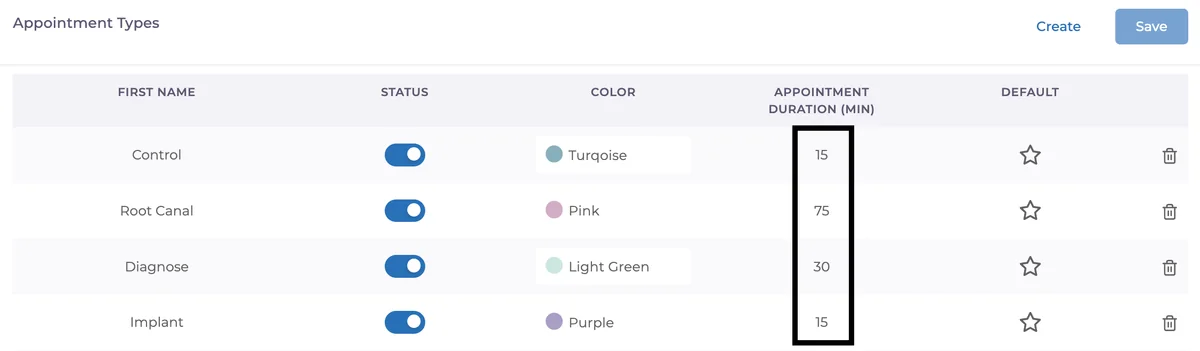
🎉 New Feature: Default Duration by Appointment Type ⏱
Set default durations for different appointment types to reduce errors and standardize appointment lengths.
🎉 New Feature: Add SMS Permission per Appointment 📩
Choose whether to send SMS notifications for each appointment individually.
🧩 Our Improvements:
Calendar Export Enhancements: Added "Description" field, "Patient Groups," and "Balance" information. Exports in various reports have also been updated with these additions.
🛠 Our Fixes:
Approved Form Notifications: Notifications of forms approved by patients now include clinic names for better clarity.
Earnings Report: Tooth numbers now appear alongside treatment names for more detailed reporting.
Search by Doctor Name When Adding Payments: Find doctors more quickly and easily when adding payments by searching their names.
Have feedback on this update?
Tell us what would make this product change more useful for your clinic. We route feedback to the product team and use it to shape upcoming improvements.
Related product updates
More product updates
September 2026
September 2026 Product Updates
September 2026 brings automatic online booking approvals, updated estimates, AI clinical note uploads, cash flow reporting, and new webhooks.
→August 2026
August 2026 Product Updates
August brings AI-assisted treatment translations, expanded data imports, patient profile photos, and practical improvements for everyday clinic work.
→July '26
July 2026 Product Updates
July brings a live patient-flow calendar, fully customizable PDF invoices, and powerful improvements for day-to-day clinic operations.
→