


July'25
View the product updates and changes for July 2025.
🚀 New Features
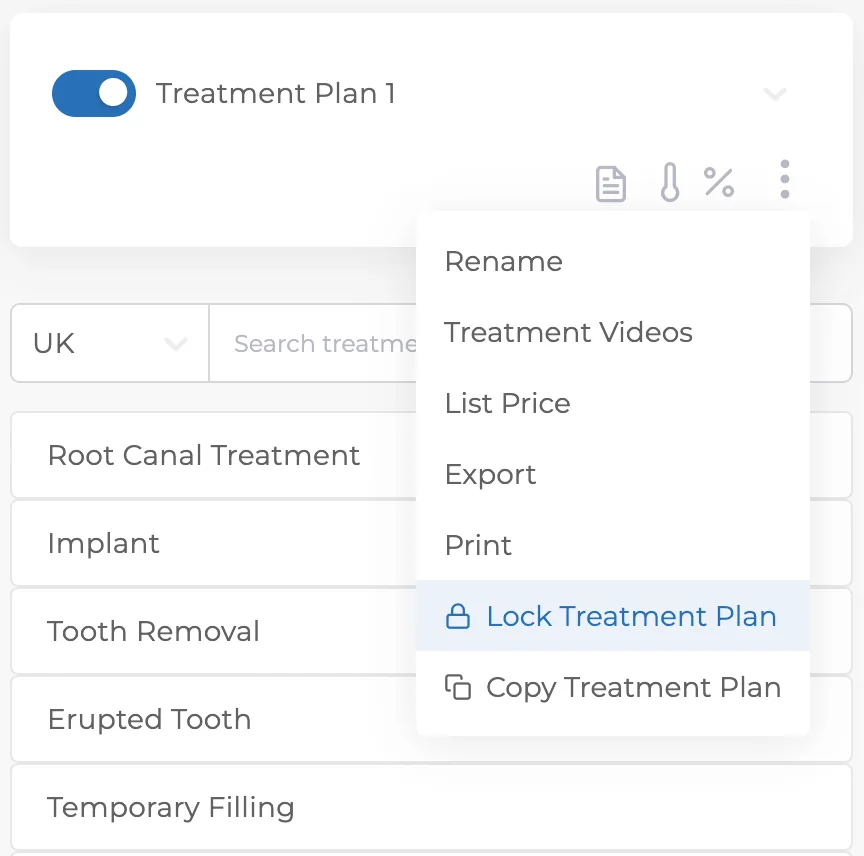
🎉 Treatment Plan Locking 🔒
You can now lock treatment plans. Once locked, prices can no longer be changed; preventing errors or unauthorized modifications later on.
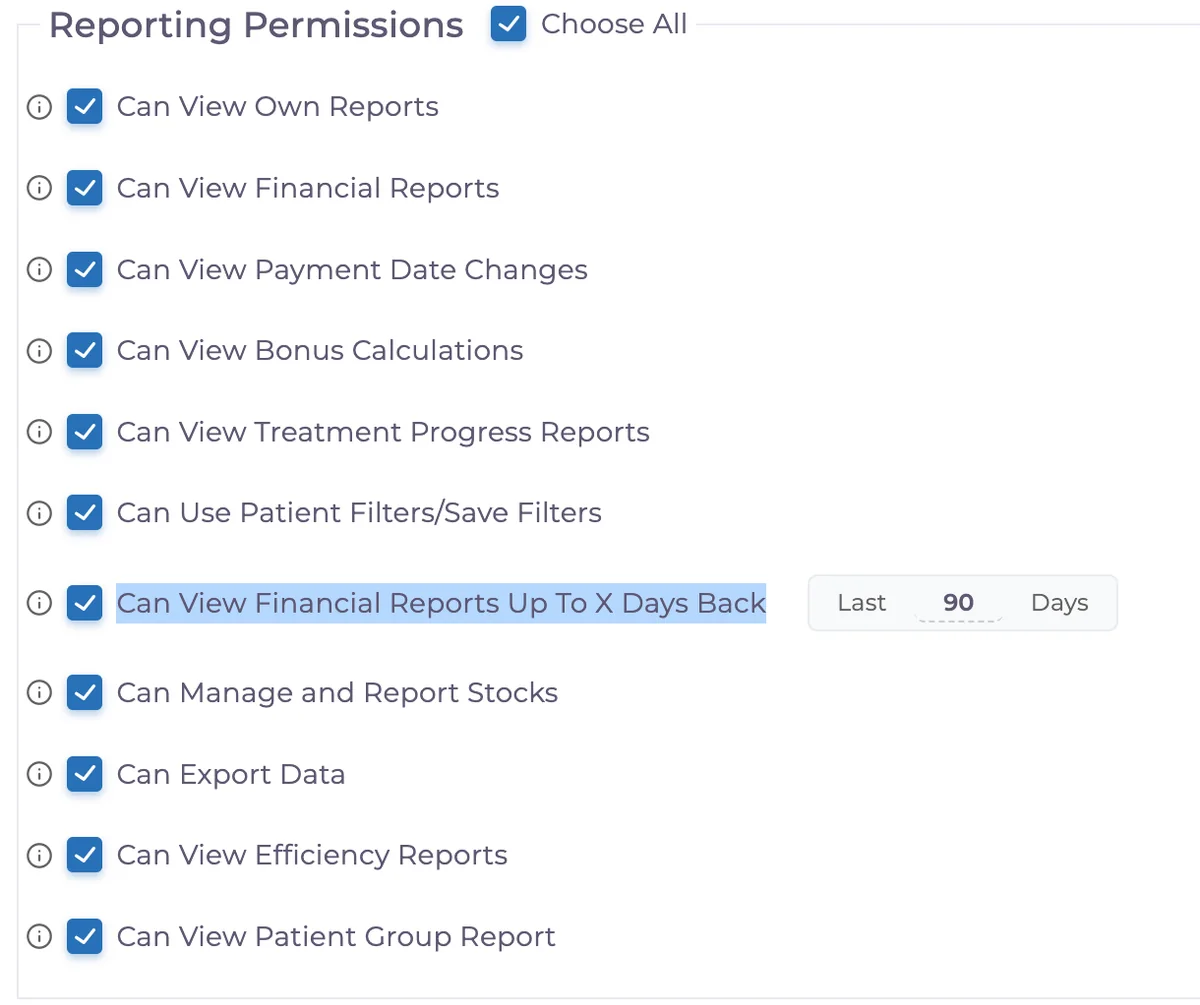
🎉 Permissions for Past-Day Access in Financial Reports 📊
You can now set how many past days of financial data users can view. Authorized users will only see historical financial data within the defined timeframe.
🎉 Consent Status Indicator in Treatment Plans ✅
Treatments with completed and approved consent forms now show a checkmark icon. Hovering over the icon displays the consent date; making consent tracking easier at a glance.

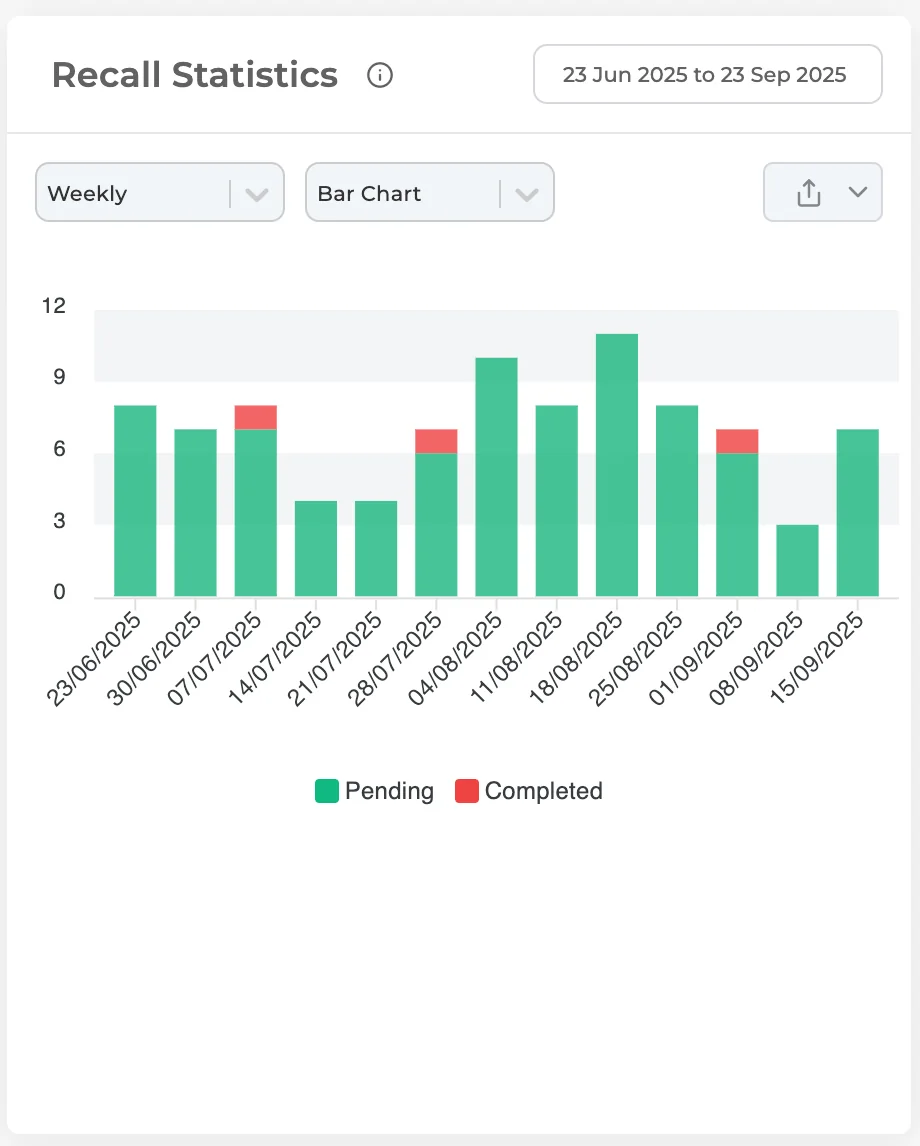
🎉 Recall Reports 📊
View recall performance and pending reminders on a single screen. You’ll find this report in the Overview page, bottom-right section.
✨ Improvements
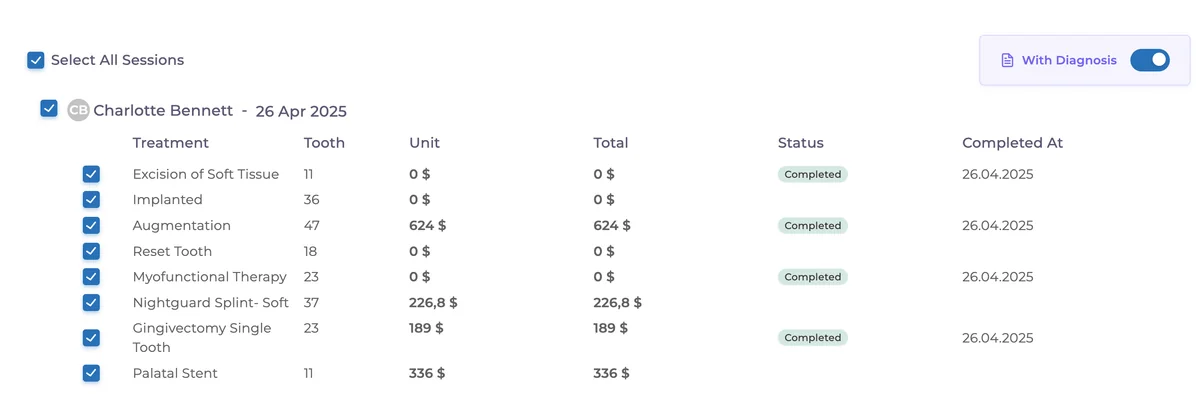
✨ Proforma – Diagnosis Option 📝
Proformas now include a “With/Without Diagnosis” option, letting you choose whether to include diagnosis info in outputs.
✨ Daily Tracking Report – Pagination & Filters 📑
Improved pagination and filtering options for the daily tracking report.
✨ Tasks Rework – Color Codes & Usability ✔️
Task page and workflows have been improved. Color codes clarified:
Yellow = Pending / Not yet due
Red = Overdue
Green = Completed
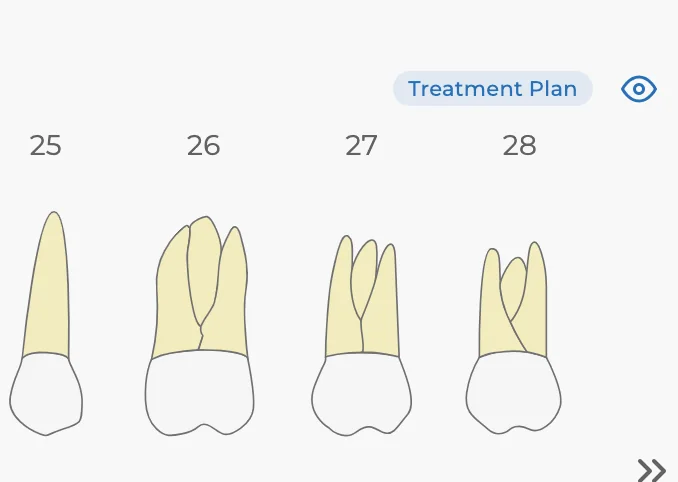
✨ Treatment Plan – Tooth Chart Visibility Preference 🦷
The “Show/Hide Teeth” setting is now user-specific. Once hidden for a patient, the setting applies to other patients under the same user account.
✨ Debt per Doctor Report – Last Payment Date 🗓️
Added Last Payment Date column and date filter. Debts can now be sorted and filtered by due date; specially useful for orthodontic and partial-payment clinics.
🛠️ Fixes
🛠️ User Permissions Copy – Inactive Users
Inactive users no longer appear by default when copying permissions. A user search field was also added for faster selection.
🛠️ Mobile – Appointment Statuses Synced with Web
Appointment statuses in the mobile app now fully match the web version; including names, colors, and status transitions.
Have feedback on this update?
Tell us what would make this product change more useful for your clinic. We route feedback to the product team and use it to shape upcoming improvements.
Related product updates
More product updates
September 2026
September 2026 Product Updates
September 2026 brings automatic online booking approvals, updated estimates, AI clinical note uploads, cash flow reporting, and new webhooks.
→August 2026
August 2026 Product Updates
August brings AI-assisted treatment translations, expanded data imports, patient profile photos, and practical improvements for everyday clinic work.
→July '26
July 2026 Product Updates
July brings a live patient-flow calendar, fully customizable PDF invoices, and powerful improvements for day-to-day clinic operations.
→