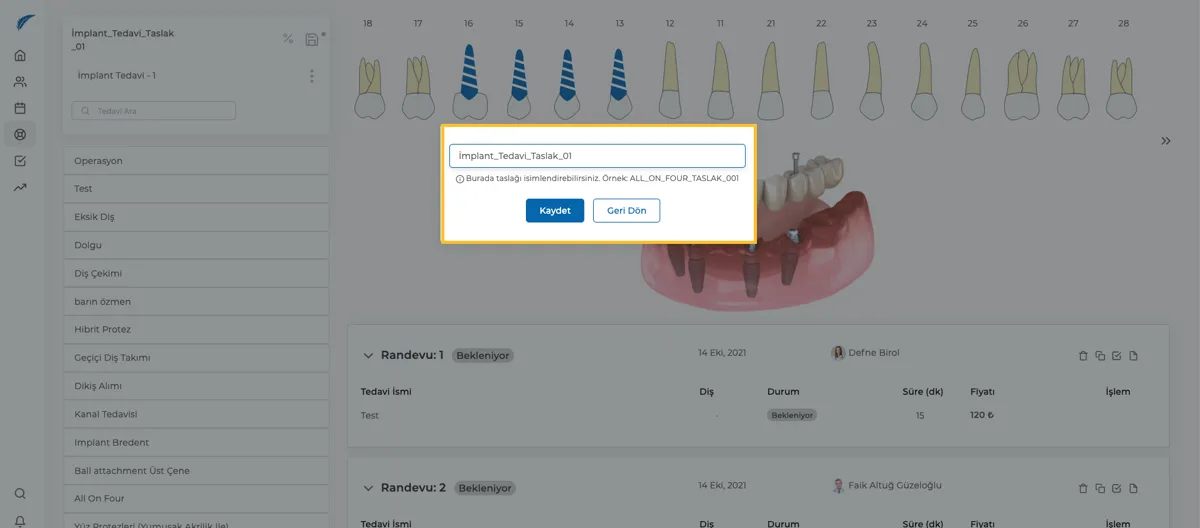

Creating a Treatment Plan Template
How to create a template for a treatment plan.
Updated
Medicasimple offers the Treatment Plan Template feature to speed up your treatment planning process. Templates are especially useful for multi-stage treatment plans.
Implant treatment is a good example. A treatment can start with an initial examination, continue with implant placement, suture removal, temporary teeth, and end with prosthetics. This process can take months, so each treatment step may have a different date. Medicasimple lets you save this whole process as a template and reuse it for different patients.
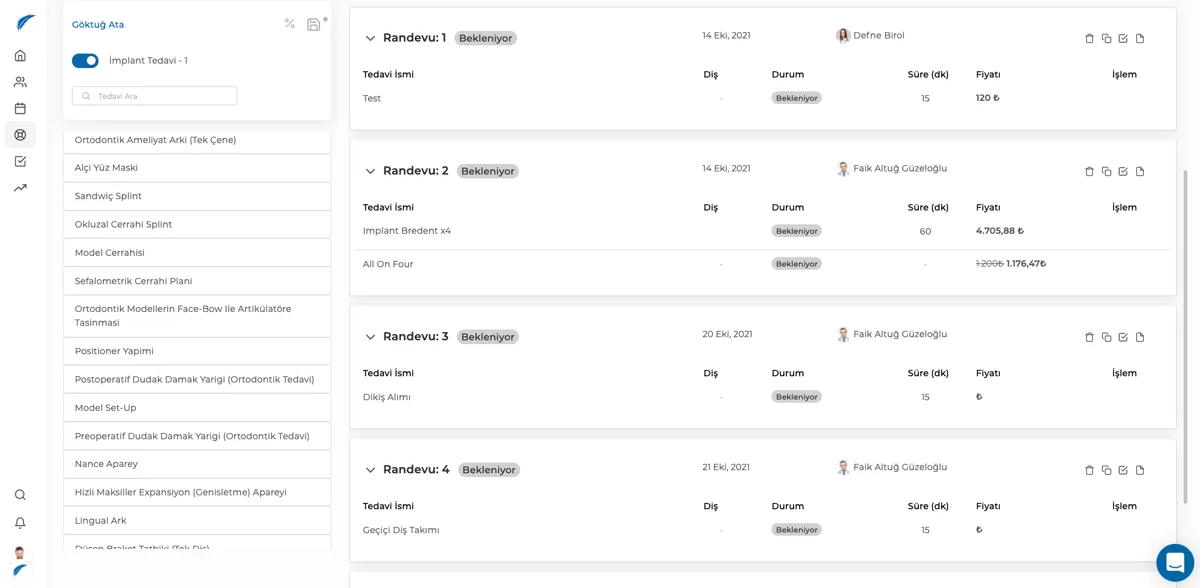
To create a treatment plan template, first create a treatment plan.
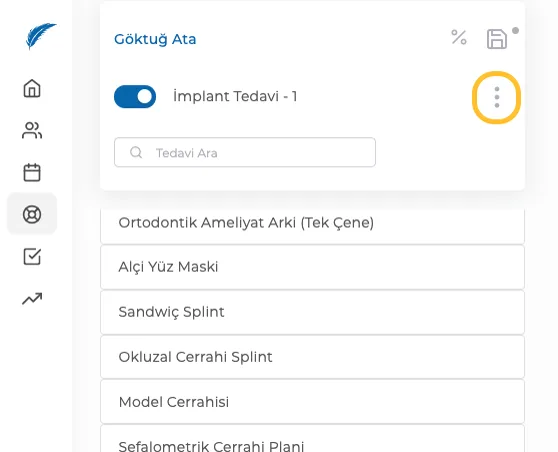
After creating your treatment plan, click the vertical three-dot menu next to the treatment name in the top-left area.
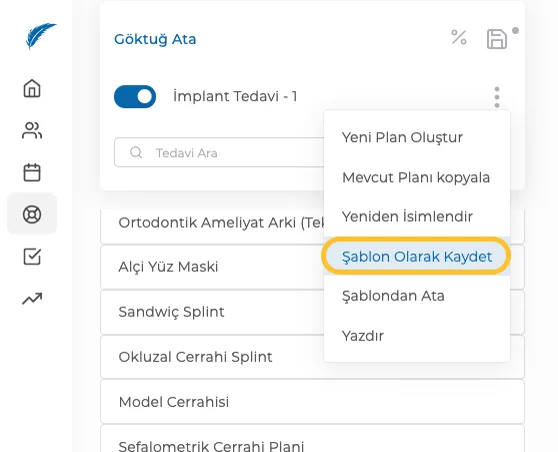
From the list that opens, click Save as Template to create your treatment plan template. Finally, give your template a name and remember to save it. 😊