





🔗
Clinic
Open portal link
The clinic sends the correct portal access path.

See how each part of Medicasimple connects into one calmer clinic workflow that is practical, secure, and built to make the next step feel obvious.
Explore practical answers, clinic stories, product thinking, and team context before you take the next step.
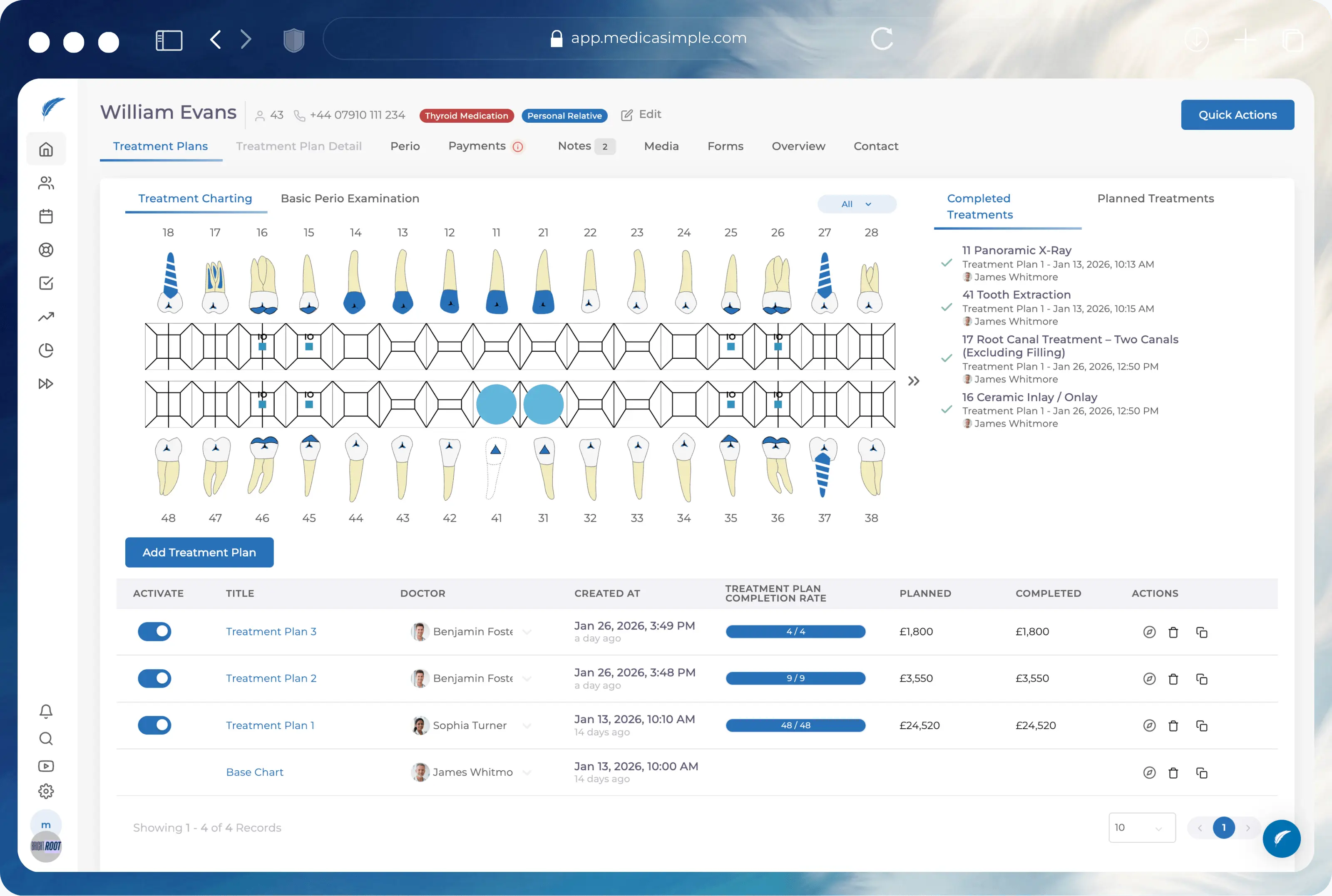
From dental to physio, dietetics to aesthetics. One platform, every specialty. Built for clinics that want less admin and more time with patients.






























Give patients the right access path while keeping permissions, documents, payments, and forms under clinic control.
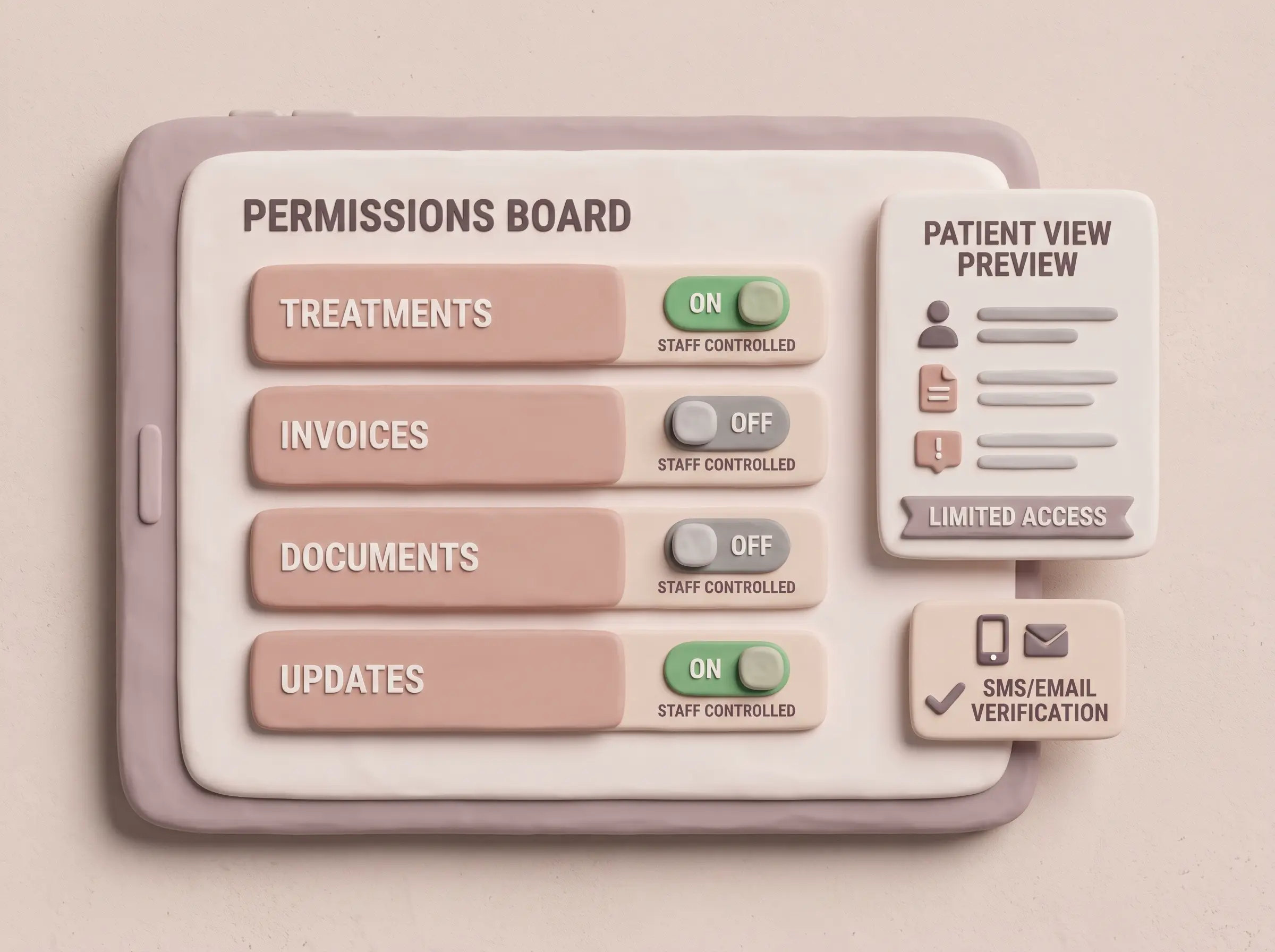
Adapt the SMS and email verification messages sent to patients during portal login to match your clinic's voice.
Define separate 'can view' and 'can update' permissions for treatments, payments, invoices, media, and documents.
Patients access their full clinic history securely through their phone's browser without needing to download another app.
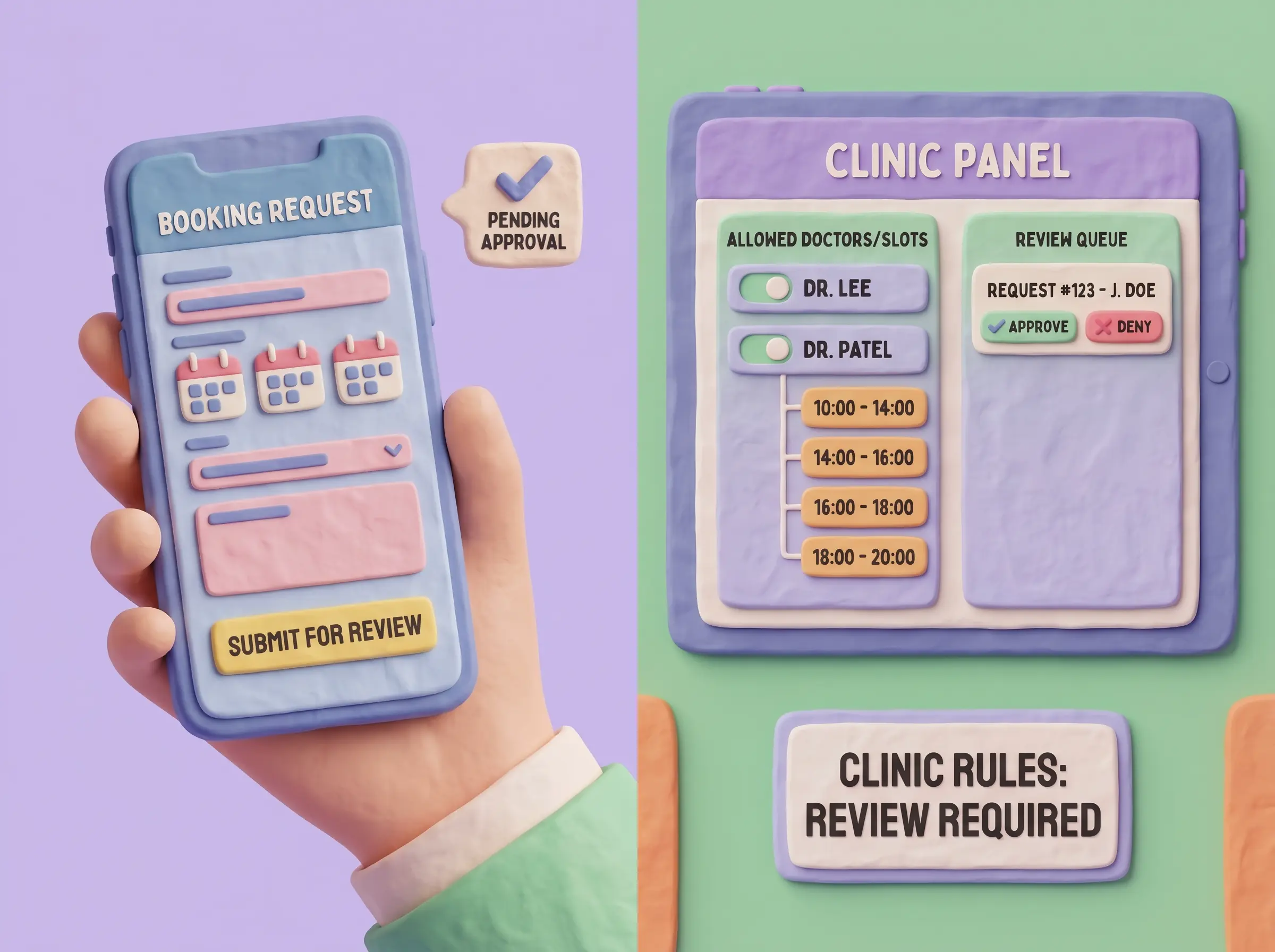
Let patients handle their own data entry and appointment requests, while you keep full control over what goes into the calendar.
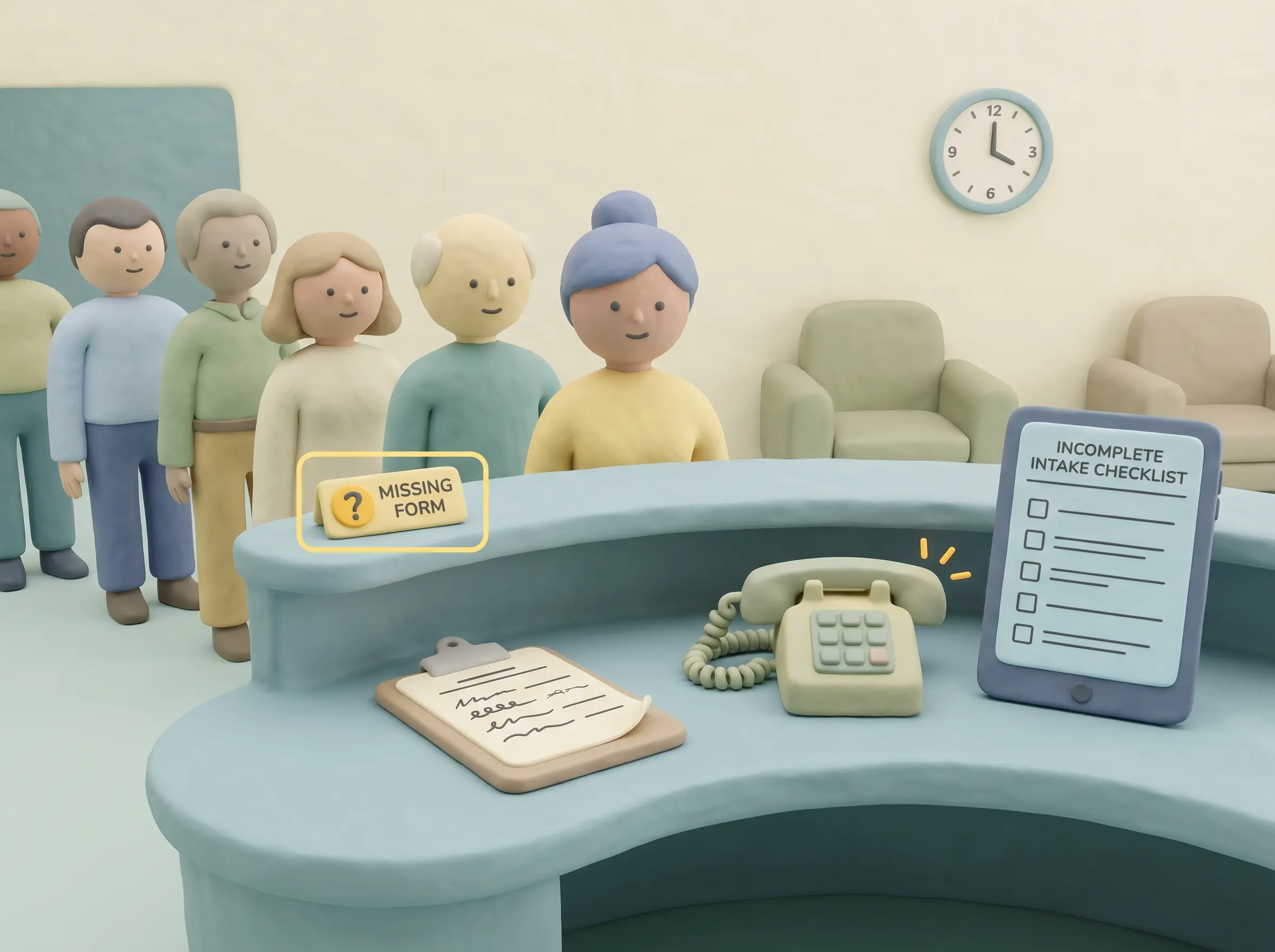
Patients fill medical history before they arrive
Share X-rays and invoices securely without email
Let patients view and settle outstanding balances online
FAQ
No, but they integrate. After logging into the portal, patients can request online appointments according to your clinic's rules.
Yes. They can securely log in to update their anamnesis and fill forms before their visit.
FAQ
No. You have absolute control. Patients can only see the documents and X-rays you explicitly choose to share with them.
It is a unique short identifier assigned to your clinic. Patients access your specific surface by visiting portal.ms/{your-code}.
FAQ
No. Visibility is entirely controlled by your clinic. For example, you can allow them to see treatments but hide their debt balance.
No. The system uses a 'passwordless' login method. Patients receive a one-time verification code via SMS or email to log in securely.
Stop asking your front desk to act as human data-entry machines. Let your patients use the portal, and let your team focus on the people in the clinic.