




Guide
Applying Discounts to Treatment
Applying discounts in treatment plans is often necessary. There are several ways to apply discounts to a plan.

See how each part of Medicasimple connects into one calmer clinic workflow that is practical, secure, and built to make the next step feel obvious.
Explore practical answers, clinic stories, product thinking, and team context before you take the next step.
From dental to physio, dietetics to aesthetics. One platform, every specialty. Built for clinics that want less admin and more time with patients.
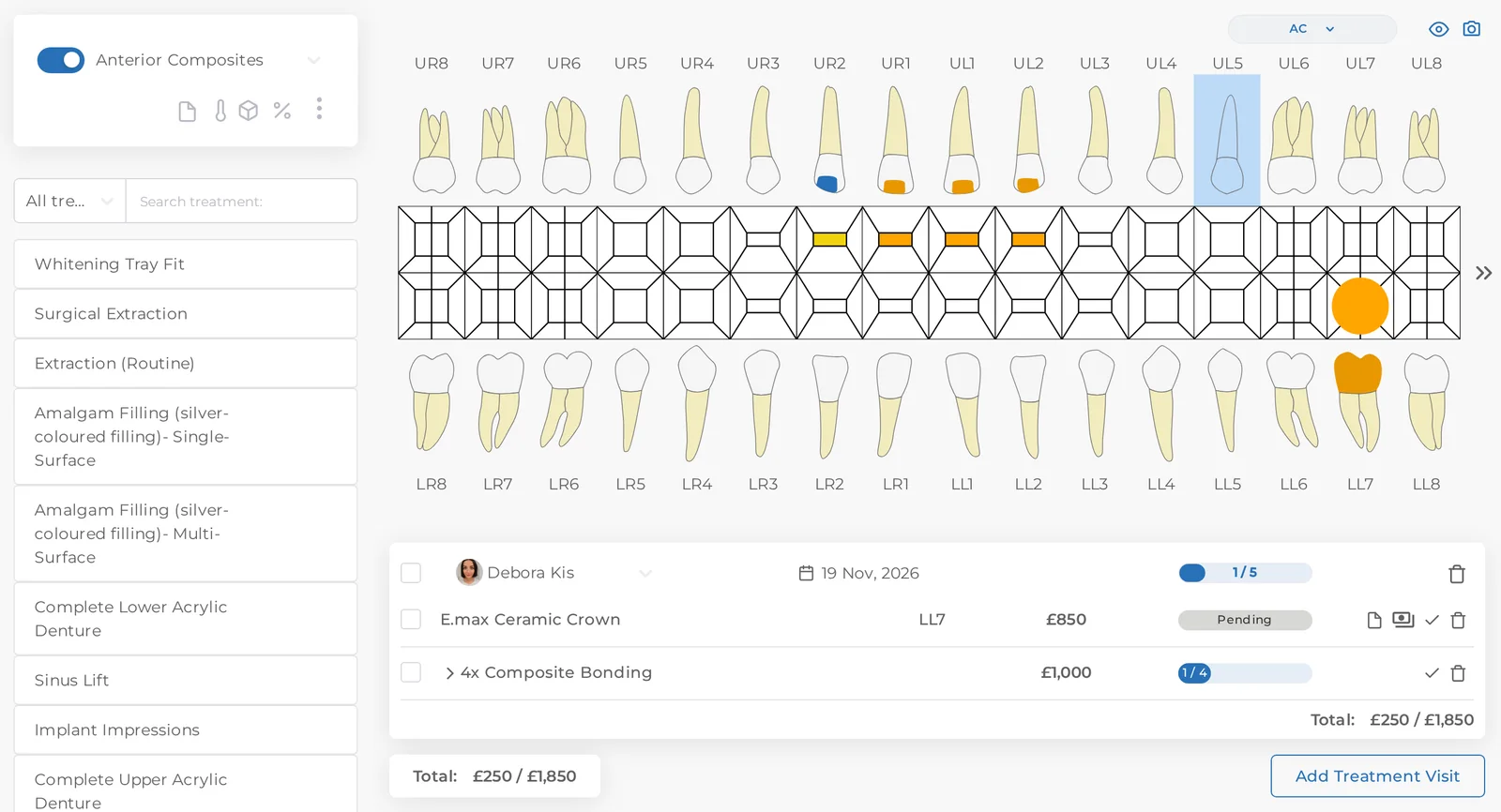
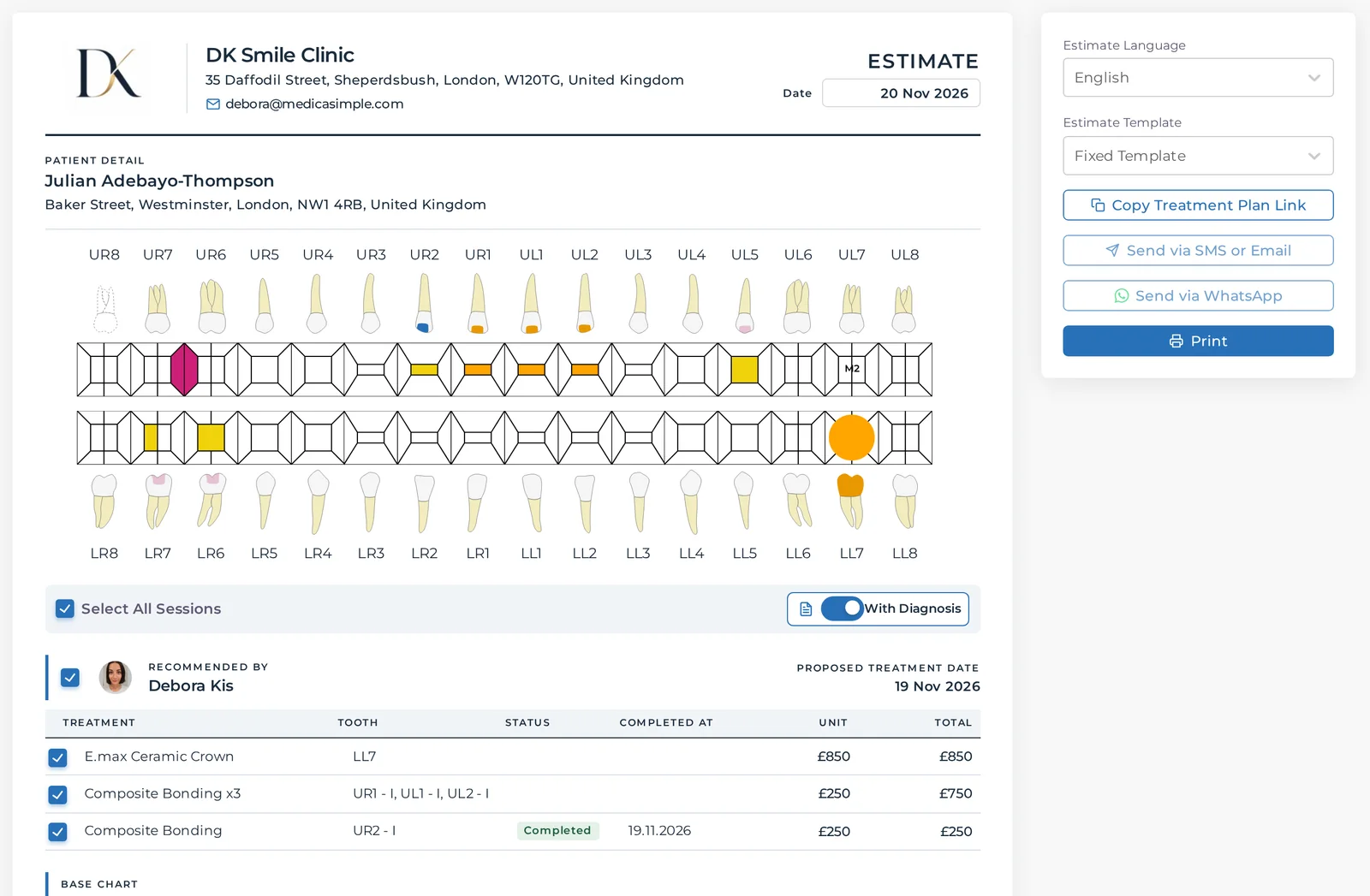
Open Discount and Estimate on the treatment plan and the estimate is already there: tooth chart, visits, treatments and prices. Nobody retypes a quote, so what the clinician planned and what the patient takes home always match.
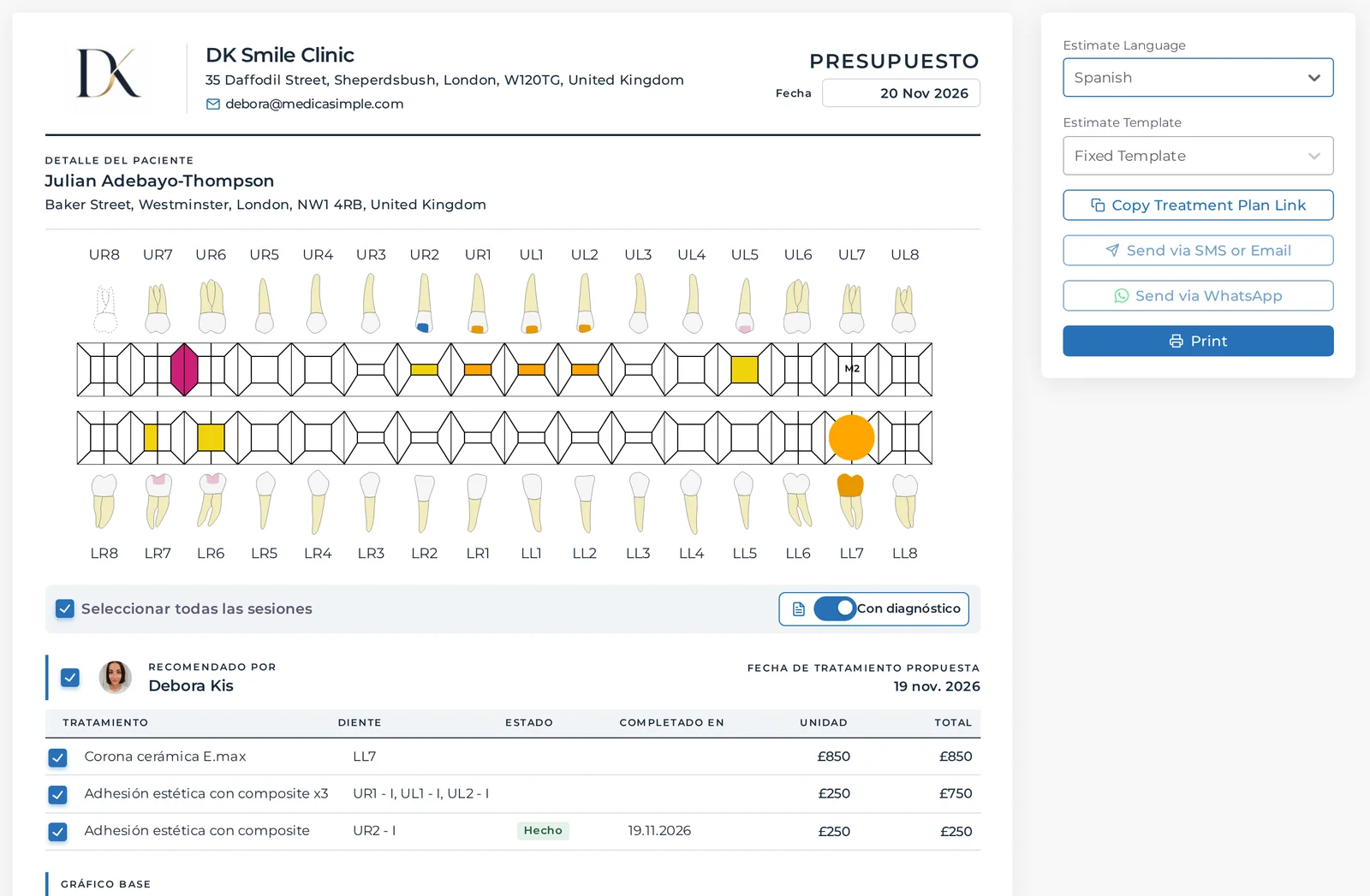
Translate your treatment names once in Settings, check the wording and save it. On the estimate, pick the patient's language and the headings and treatment names follow. Have a quick look at the preview before you send.
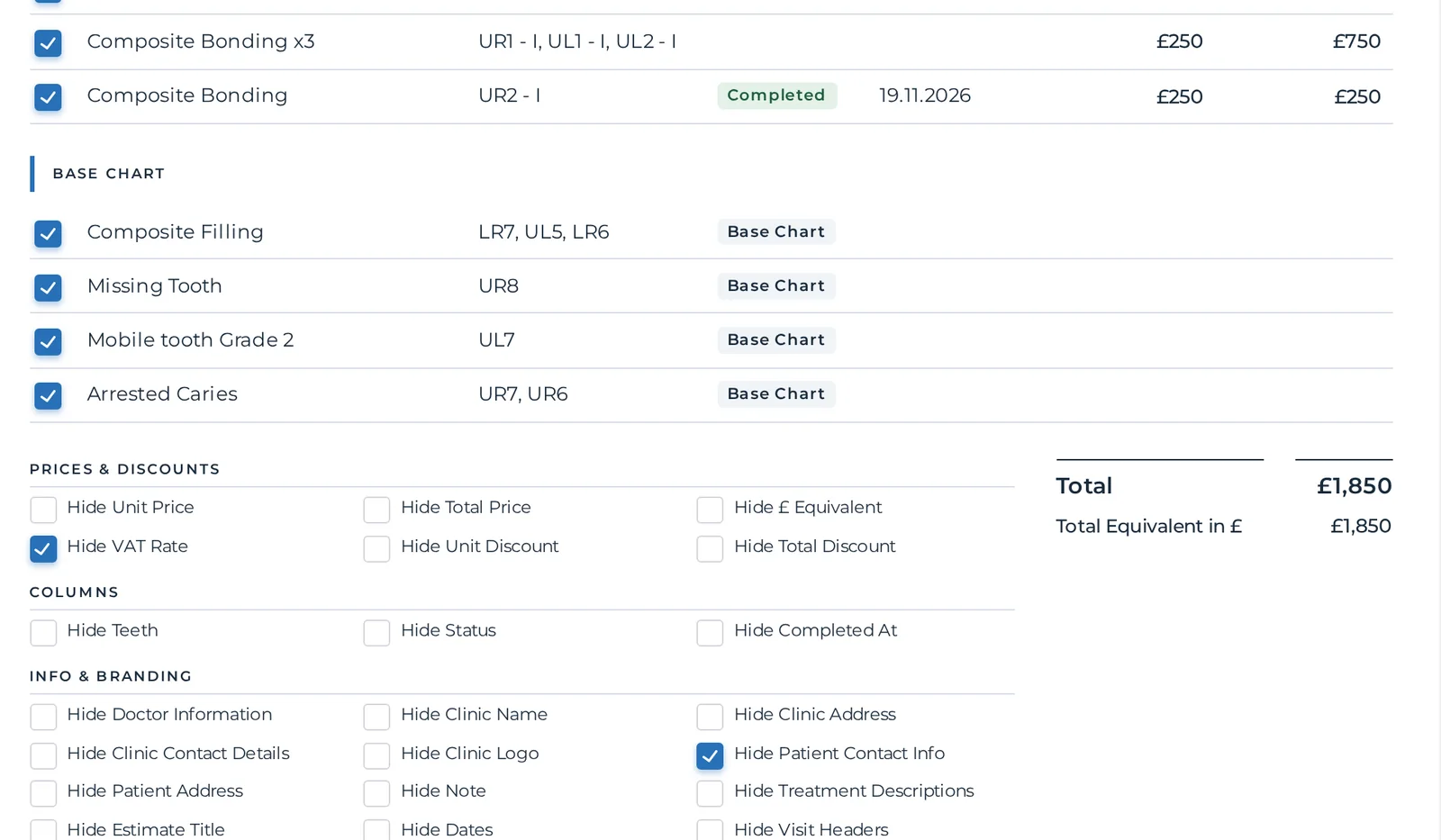
Tick to hide unit prices, discounts, VAT, teeth or dates. Each treatment can carry a short description the patient can read at home, and your estimate template holds the title, a note and your bank details.
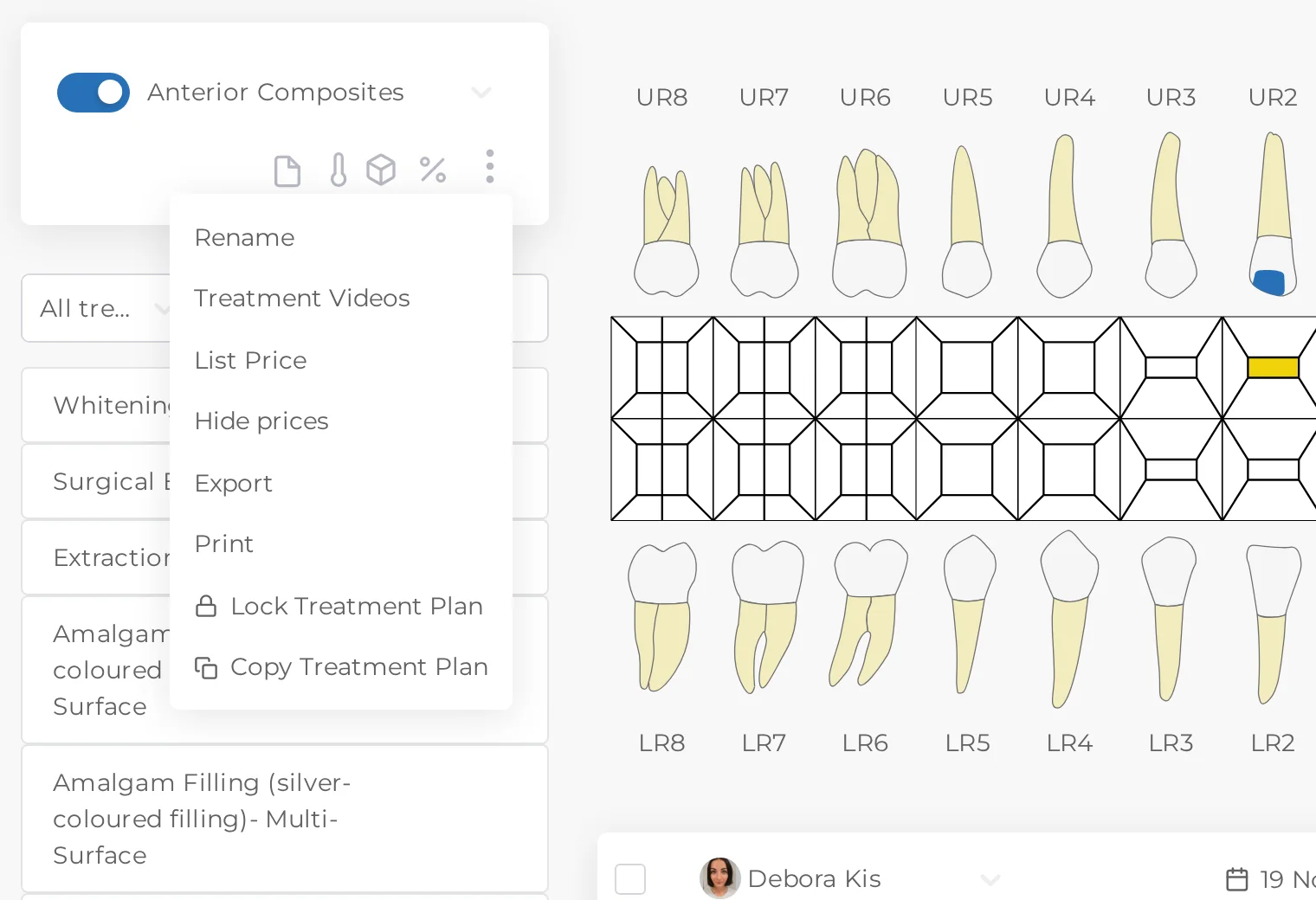
Once the patient says yes, lock the treatment plan. Prices can't be changed by accident, the team can still mark treatment as done, and only people with the unlock permission can open the plan again.
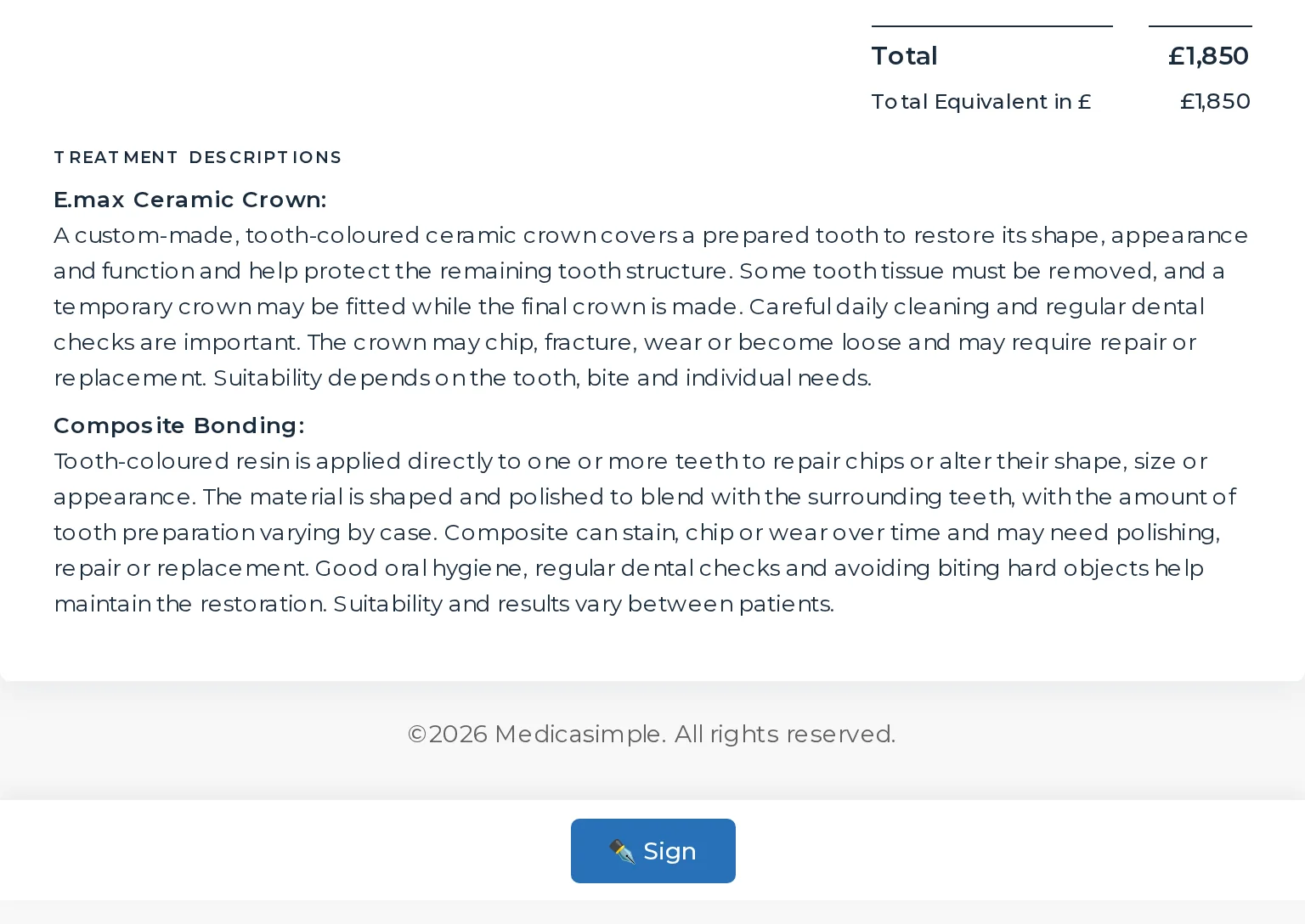
Send the estimate by SMS or email. The patient opens the link, confirms their date of birth, reads the plan and taps Sign. The signed estimate is saved to the patient's forms, ready to export when you need it.
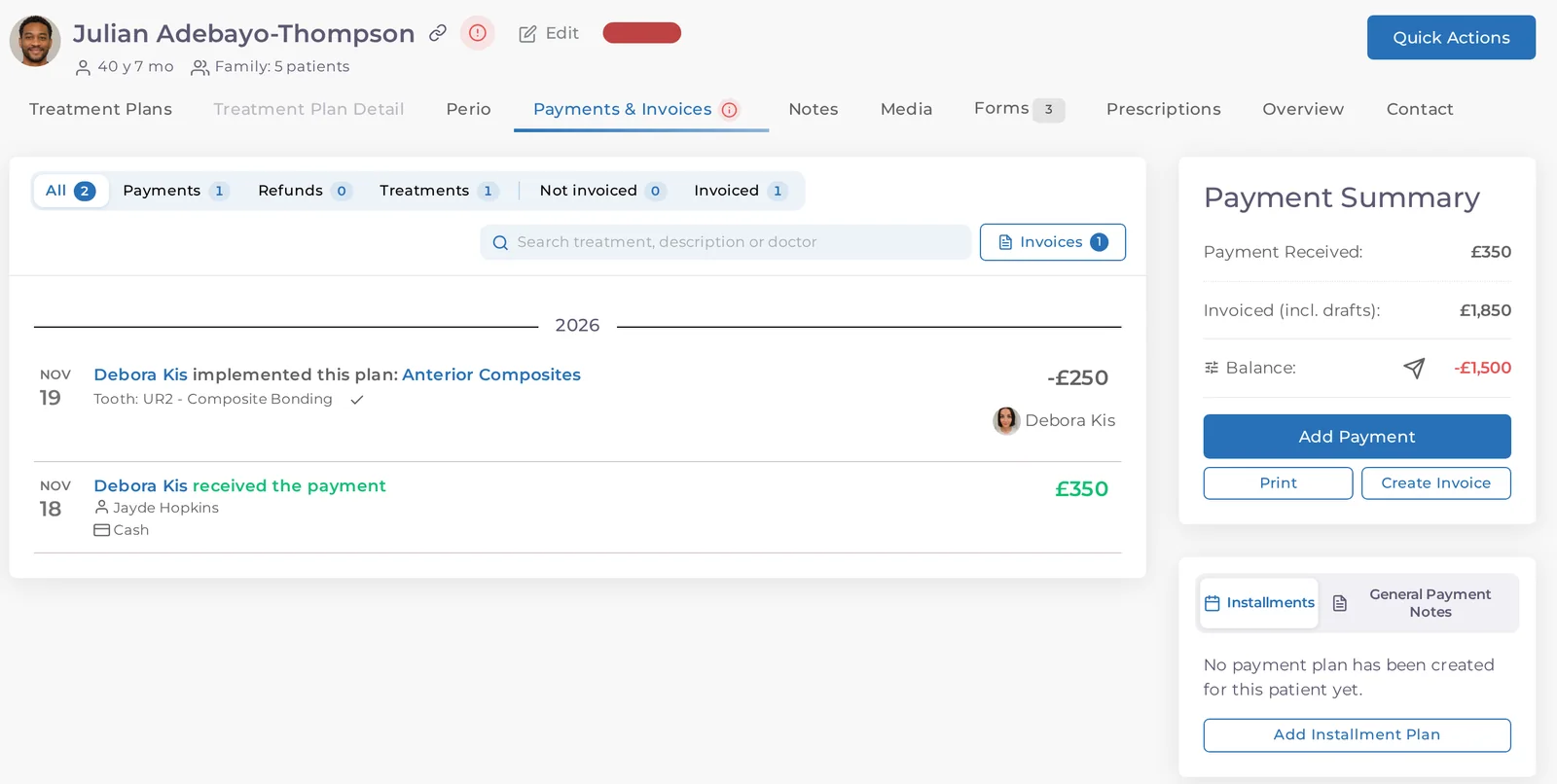
Mark a treatment as done in the plan and the charge appears on the patient's account. If they are spreading the cost, add an instalment plan in Payments and follow each instalment from there.
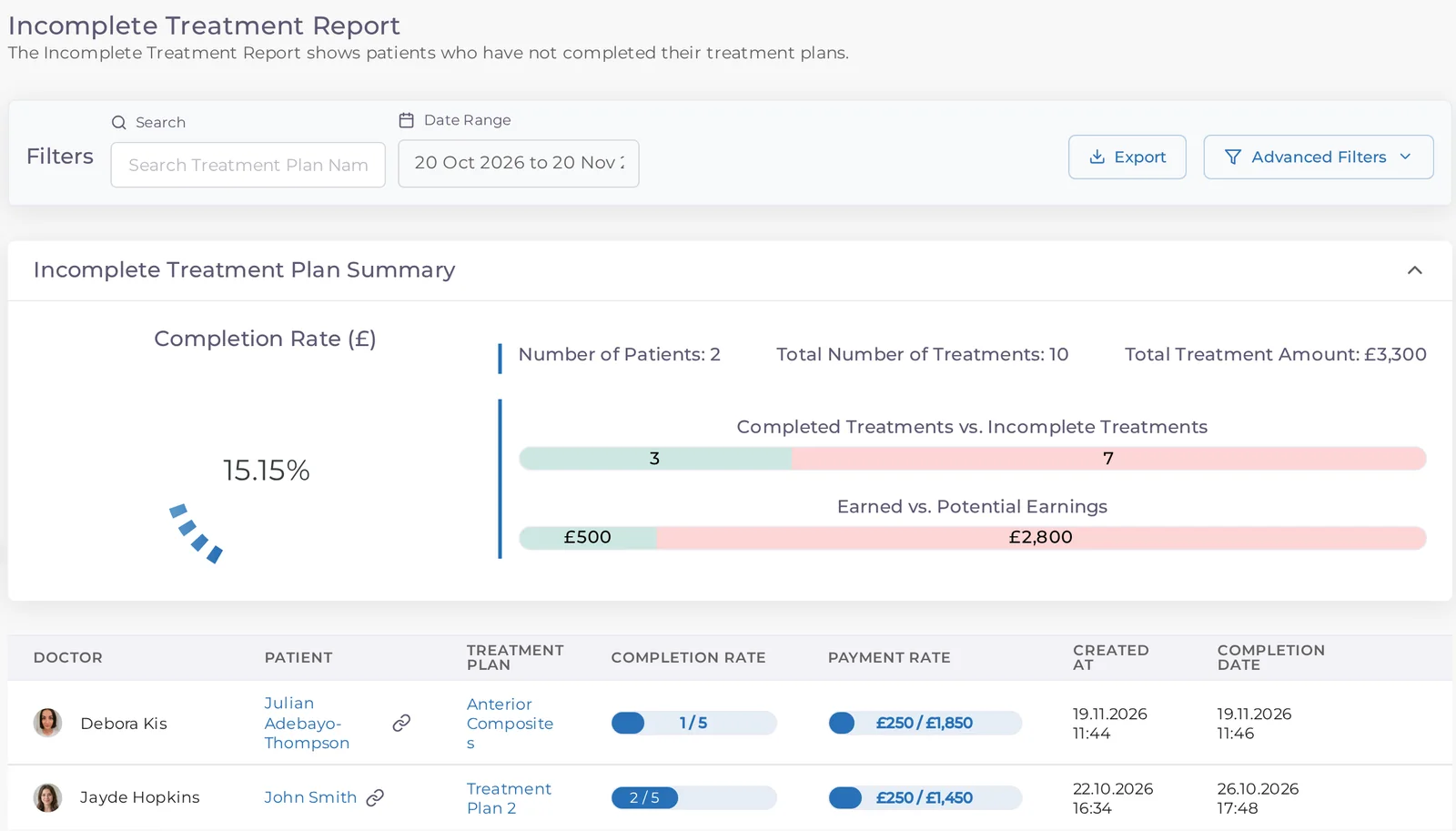
The Incomplete Treatment Report lists every plan that isn't finished, with its completion rate and the amount still to come. Filter for plans that haven't started and call those patients first.
Watch a treatment plan become an estimate, switch its language, lock the price and reach the page the patient signs on.
Estimates that match the treatment plan
The estimate language chosen for each patient
Prices locked once the patient agrees
Signatures on the patient's own phone
Frequently asked questions
Quick answers about building, translating, sending and signing treatment estimates.
No. You open it from the treatment plan, so it always matches what was planned. Untick any visit or treatment you don't want on this estimate.
Yes. Translate your treatment names in Settings, check them, then choose the estimate language on the estimate screen. Look over the preview before you send it.
Estimate templates set the title, a description, your bank details and whether unit prices and discounts are shown. You can also hide teeth, dates, doctor details or your logo on each estimate.
Frequently asked questions
They open the link from the SMS or email, confirm their date of birth and sign on their own phone, tablet or computer.
In the patient's forms, where your team can open it and export it.
Yes. Print the estimate or save it as a PDF from the same screen, in the language you picked.
Frequently asked questions
Not once the plan is locked. Prices stay fixed, and only users with the unlock permission can open the plan again.
Yes. Set a maximum discount rate for each user, so discounts stay within what the practice allows.
Yes. Completing a treatment item records the charge on the patient's account, and instalment plans sit in the patient's Payments tab.
Step-by-step guides, recent product updates and articles on this part of Medicasimple.
Book a demo to see the estimate screen, the language switch and the page your patient signs on.