Periodontal Charting

Periodontal charting that matches your clinical pace.

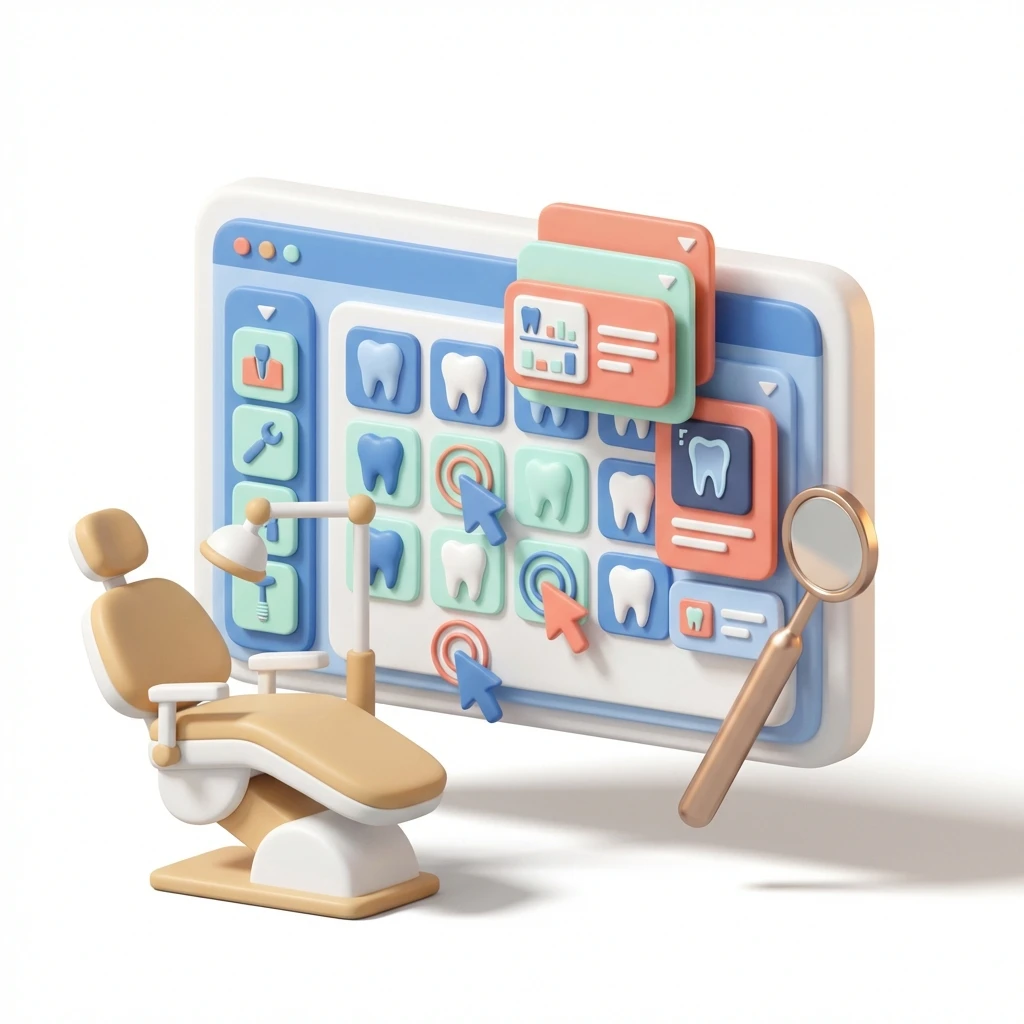
Record BPE scores and 6-point charts on tablet or desktop. Clone previous exams, use keyboard shortcuts for bleeding and furcation, and show patients clear red-and-green progression.
Medicasimple feature overview interface

Backed by Innovative Clinics and Healthcare Teams Everywhere

From dental to physio, dietetics to aesthetics. One platform, every specialty. Built for clinics that want less admin and more time with patients.
Maxident logo
Dentapoint logo
Natürel Diş Logo
Antlara logo
Maxident logo
Dentapoint logo
Natürel Diş logo
Natürel Diş logo
Dentakay logo
Aliadent logo
Skala Dental logo
Dentakay logo
Aliadent logo
Skala Dental logo
Alpi Diş logo
Alpi Diş logo
Dentapoint logo
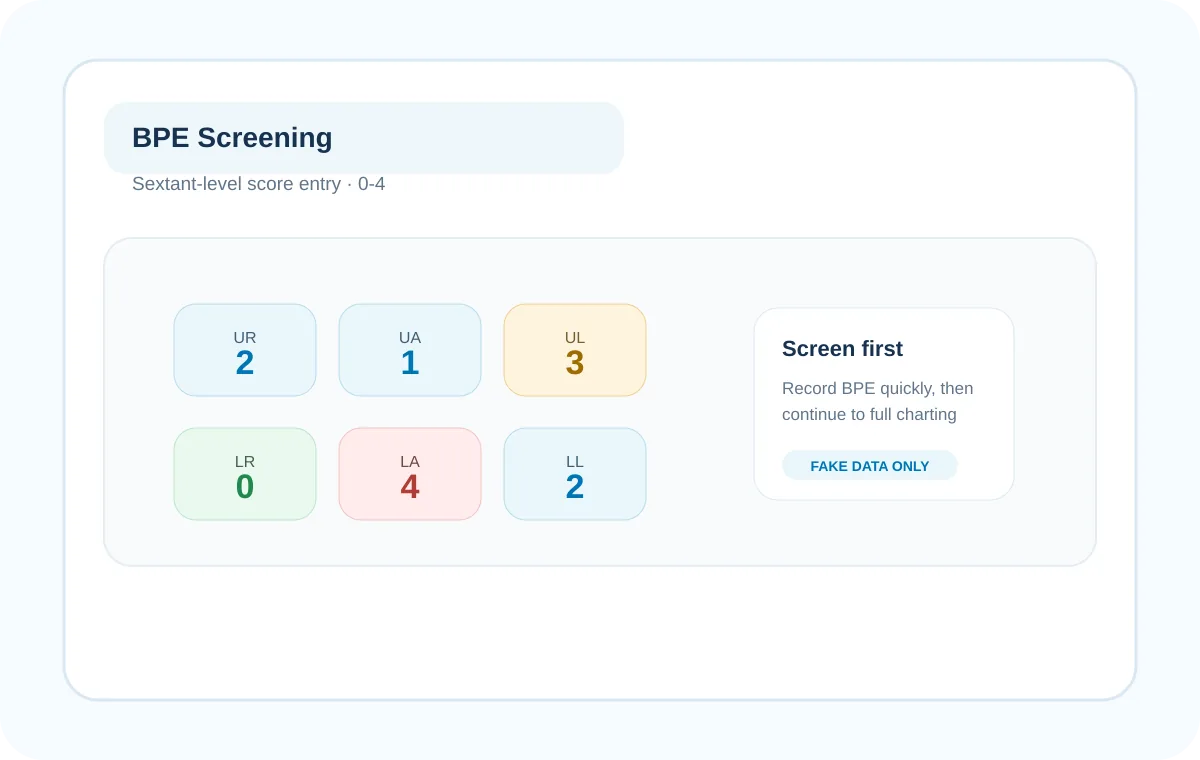
Start with BPE
Capture sextant-level BPE scores (0-4) first. Expand to full 6-point charting only when the clinical picture requires deeper investigation.
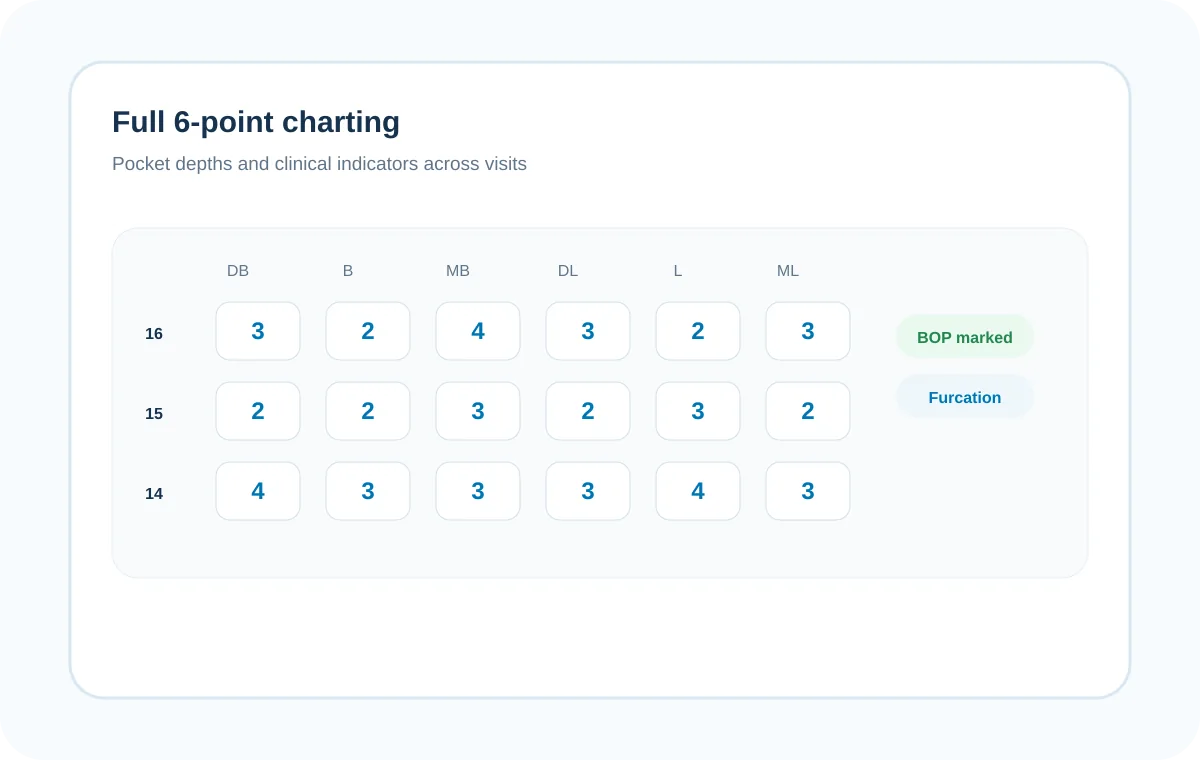
Chart without friction
Capture pocket depths quickly. Use keyboard shortcuts like B for bleeding and F for furcation to keep your eyes on the patient.
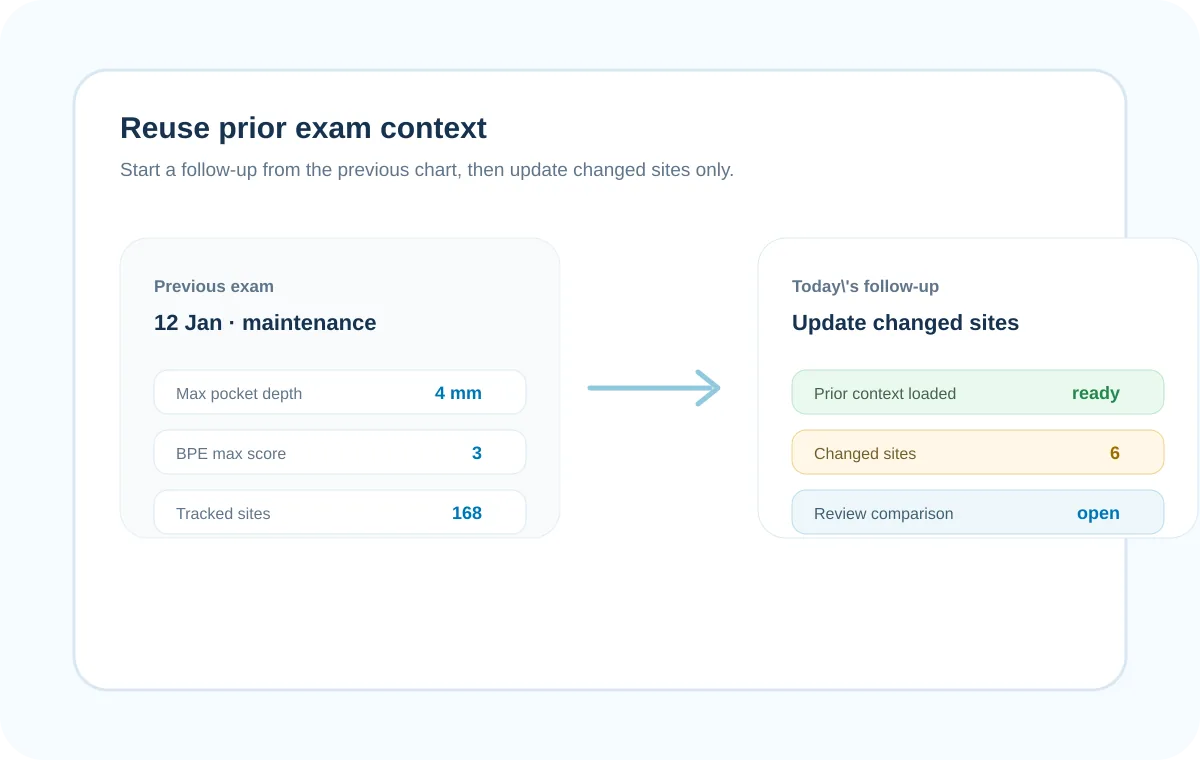
Stop repeating yourself
Clone the patient's previous exam context. Update only the sites that changed and stop charting the same stable teeth twice.
Show, do not just tell
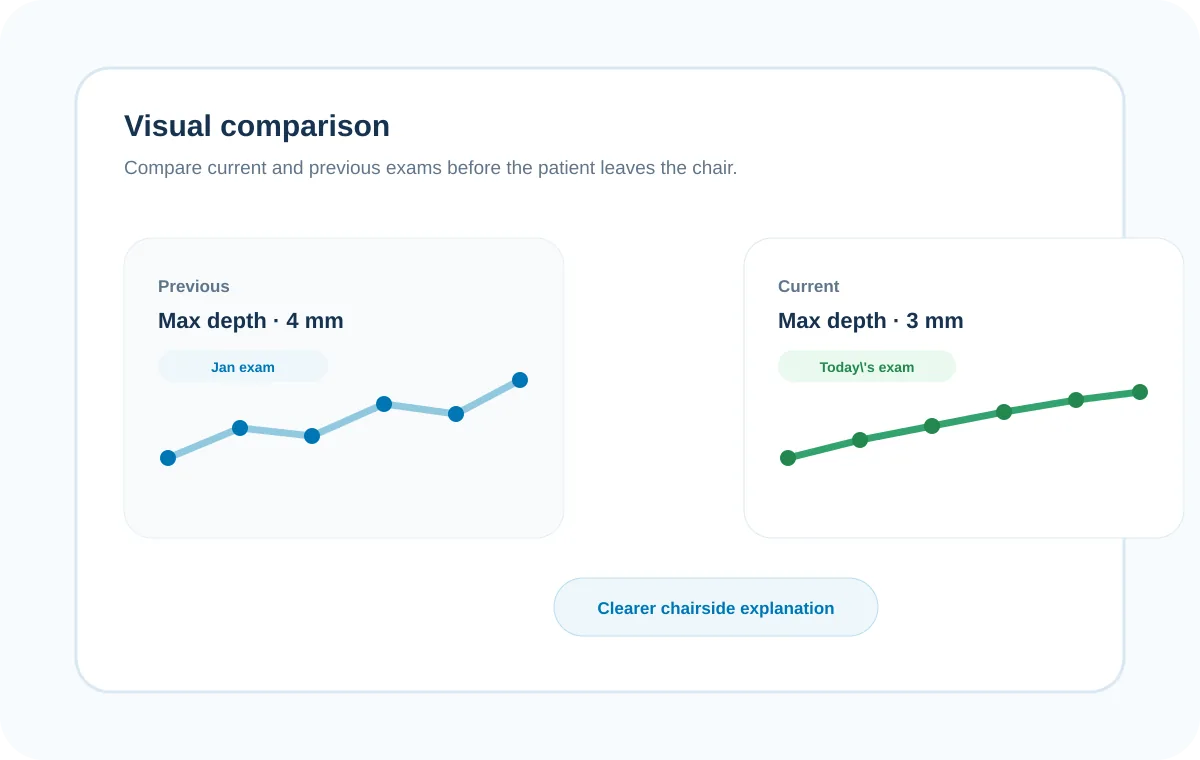
Compare records side-by-side. Green highlights for improvement and red for worsening make the clinical reality obvious to the patient.
The Reality

Periodontal charting usually breaks the clinical flow

Calling out numbers to a nurse while jumping between paper notes and a clunky screen slows the appointment and frustrates the patient.
Clinician frustrated by repetitive manual periodontal charting entry
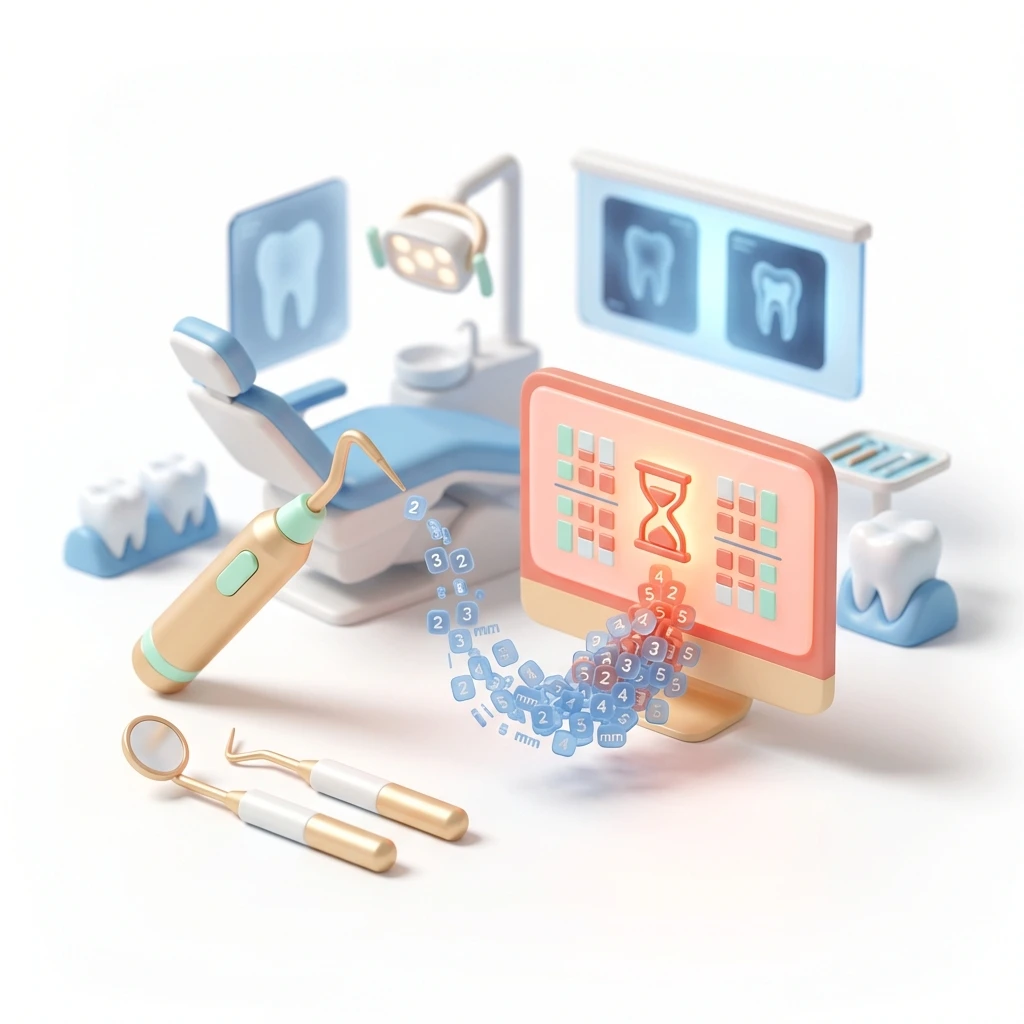
Wasted clinical attention
You spend valuable minutes re-entering the same stable 3mm pockets from six months ago because your system cannot carry history forward.
Periodontal trends hidden inside complex text-heavy dental records
Hidden progression
When past and present findings are buried in text notes, you cannot quickly see or explain how a patient's hygiene is changing.
Dental team losing patient focus while managing paper and digital charts
Broken chairside focus
Switching your attention between the patient's mouth, paper charts, and a desktop monitor breaks trust and extends the exam time.

Workflow

From BPE screening to periodontal review

Use the demo to walk through the clinical flow: screen quickly with BPE, record detailed pocket depths when needed, mark bleeding or furcation, then compare exams before the patient leaves the chair.

Flow
4 steps
Indicators
BOP + furcation
Review
Compare exams
Charting
BPE + 6-point
Follow assessment, sextant-level BPE scores, full periodontal charting, and review in one chairside workflow.
01BPE

BPE-first screening

Record basic periodontal examination scores (0-4) by sextant. Move to a detailed charting workflow only when a high score demands it.

026-point charting

Full 6-point periodontal records

Record pocket depths, plaque indexes, and bleeding on probing across six points per tooth using intuitive desktop or tablet controls.

03Prior data

Clone previous exams

Pull up the patient's last chart instantly. Update the pockets that worsened and leave the stable ones alone to save minutes per exam.

04Comparison

Visual progression tracking

Toggle between past and present exams. Clear red and green highlights show both you and the patient exactly where hygiene is failing or improving.

Get started

See how fast periodontal charting can be

Walk through BPE scoring, keyboard shortcuts for bleeding, and visual comparison on a live Medicasimple demo.

Frequently asked questions

Charting & Recording

Quick answers about BPE recording, 6-point charting, shortcuts, device support, and historical comparison.

Does Medicasimple support BPE scoring?

Yes. You can record sextant-level BPE scores (0-4) as the first step of your periodontal assessment workflow.

Can I do full 6-point periodontal charting?

Yes. You can record full 6-point pocket depths, plaque indexes, and bleeding on probing for detailed review.

Can I chart on a tablet?

Yes. The periodontal charting interface is optimised for touch on tablet and desktop screens.

Does charting work on a mobile phone?

No. Periodontal charting requires the screen space of a tablet or desktop to be safe and clinically efficient.

Frequently asked questions

Workflow & Integration

Can I record bleeding or furcation quickly?

Yes. You can use keyboard shortcuts—like B for bleeding and F for furcation—to capture findings without breaking your flow.

Can I reuse data from a prior visit?

Yes. You can clone the previous exam context and only update the sites that have changed, saving significant entry time.

Can I compare past and current exams?

Yes. You can view historical records side-by-side. The system uses green highlights for improvement and red for worsening to make changes obvious.

Can I export or print perio charting outputs?

Available outputs depend on your current setup. Ask the Medicasimple team which periodontal charting exports are enabled for your clinic.

Frequently asked questions

Data & Reporting

Does perio charting link to treatment planning?

Periodontal findings sit natively alongside the wider clinical record, though actual treatment items are confirmed in the treatment-planning workflow.

Can multiple clinicians chart on the same patient?

Yes. Clinicians record findings under their own secure access, and the full clinical history remains available for review.

Does it support voice or dictation input?

Not currently. Input is driven by fast touch controls, numeric entry, and keyboard shortcuts.

Related features

Related Features

Get started

Make periodontal charting easier to explain

Keep BPE, full 6-point charting, prior context, and visual review in one clinical workspace.