


Patient Acquisition Sources
Patient Acquisition Sources help you report how patients found your clinic.
Updated
Patient Acquisition Sources help you obtain a detailed report on how patients found your clinic. So, how are acquisition sources created and at what stages are they selected?
There are two different methods for creating acquisition sources.
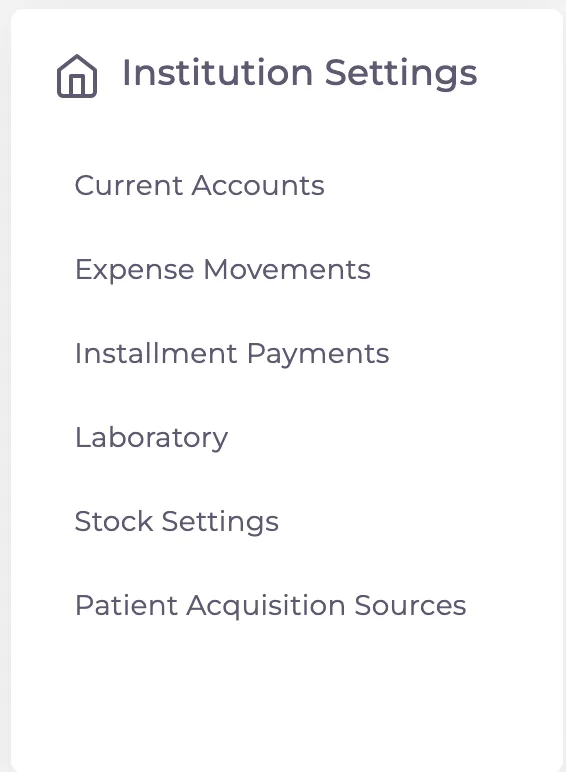
Method; Go to Settings > Institution Settings and click on the "Patient Acquisition Sources" option.
On the opened page, there is an "Add Acquisition Sources" button at the top left corner. When you click on this button, a small window will appear.

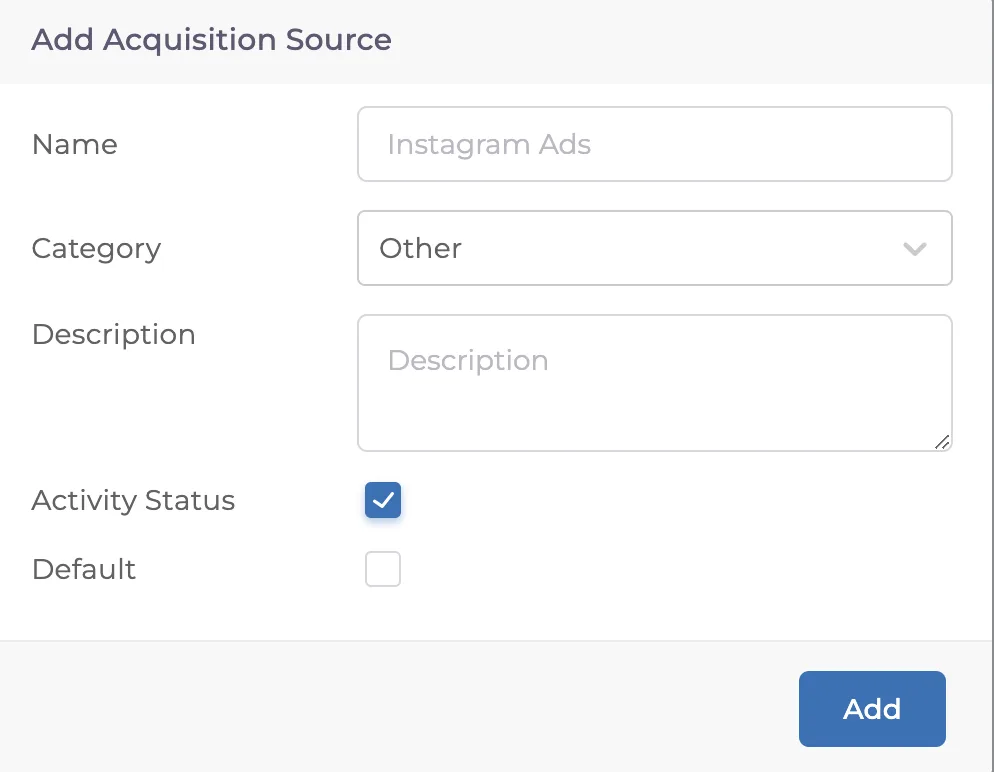
In the opened window, you will be asked to fill in the following sections for the acquisition source:
Name
Category (optional)
Description (not mandatory)
The "Active Status" determines whether the option you created will be listed when creating a record.
The "Default" option helps you specify which option will be automatically selected if no other choice is made.
Once you click "Add" the acquisition source will be added.
Keep going