






🧤
Staff
Use material
Chair-side usage is logged while the work is fresh.

See how each part of Medicasimple connects into one calmer clinic workflow that is practical, secure, and built to make the next step feel obvious.
Explore practical answers, clinic stories, product thinking, and team context before you take the next step.
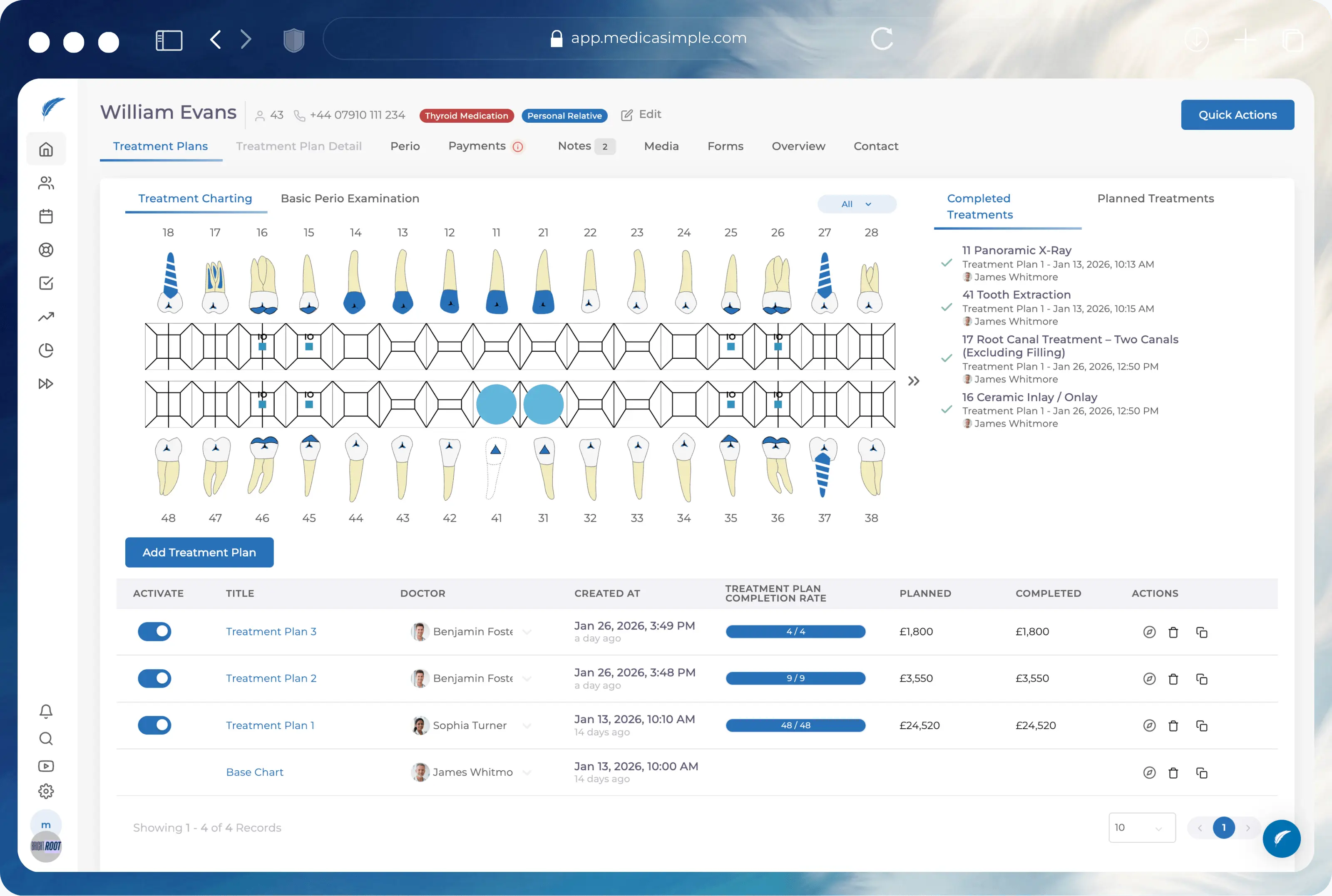
From dental to physio, dietetics to aesthetics. One platform, every specialty. Built for clinics that want less admin and more time with patients.






























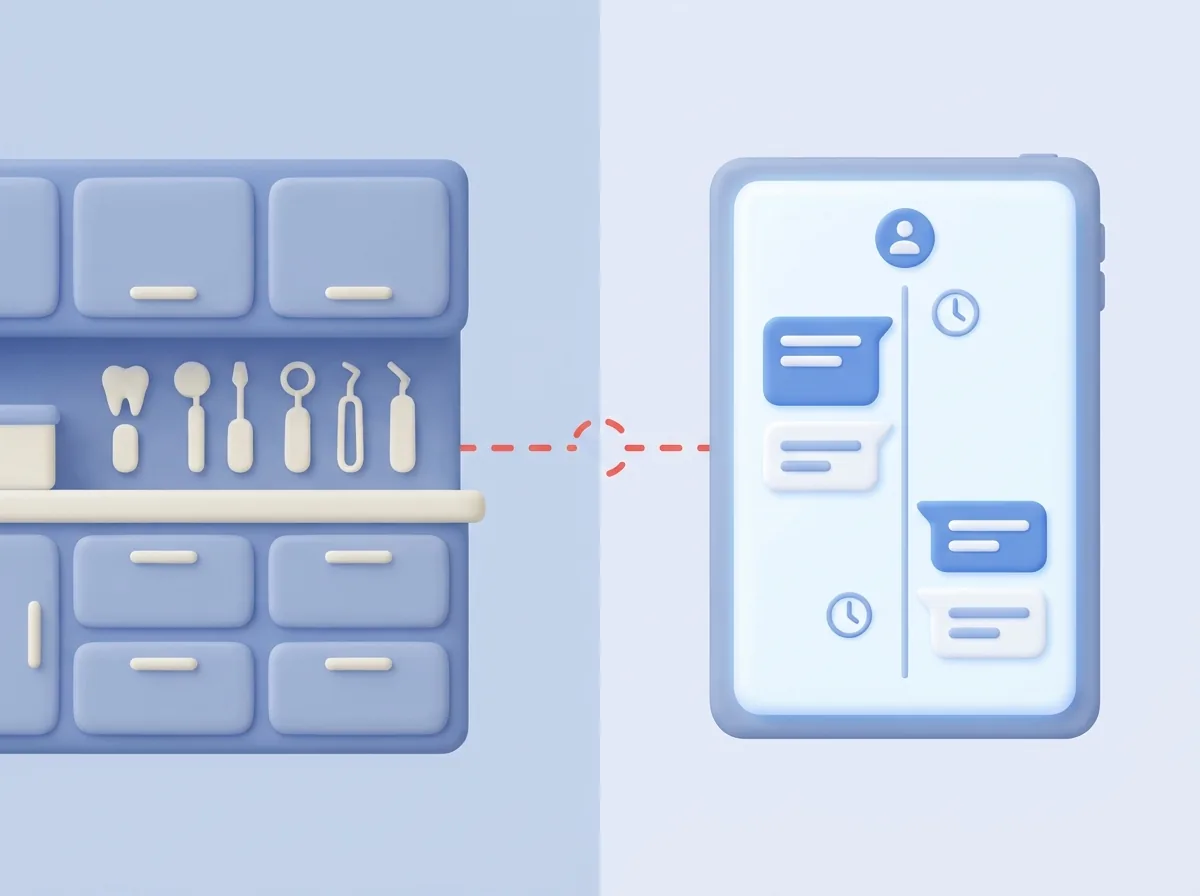
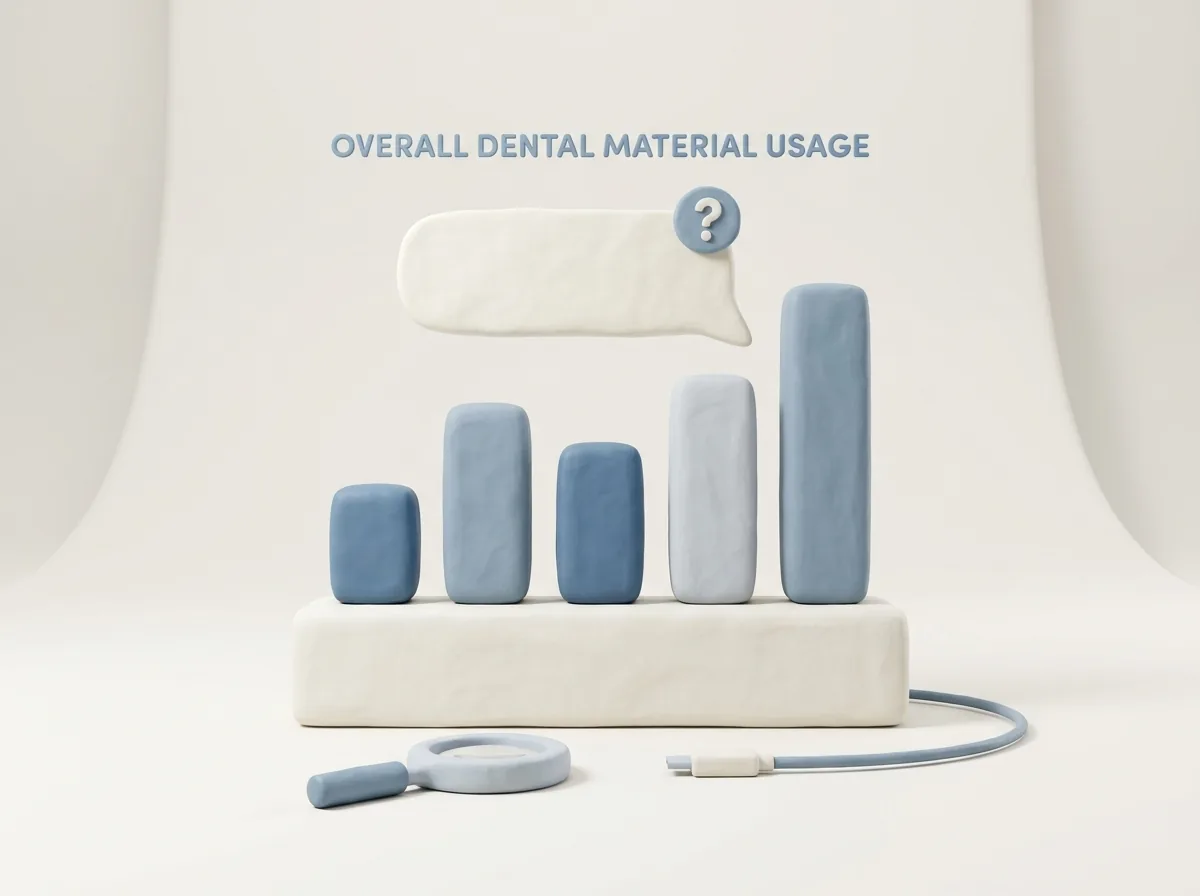
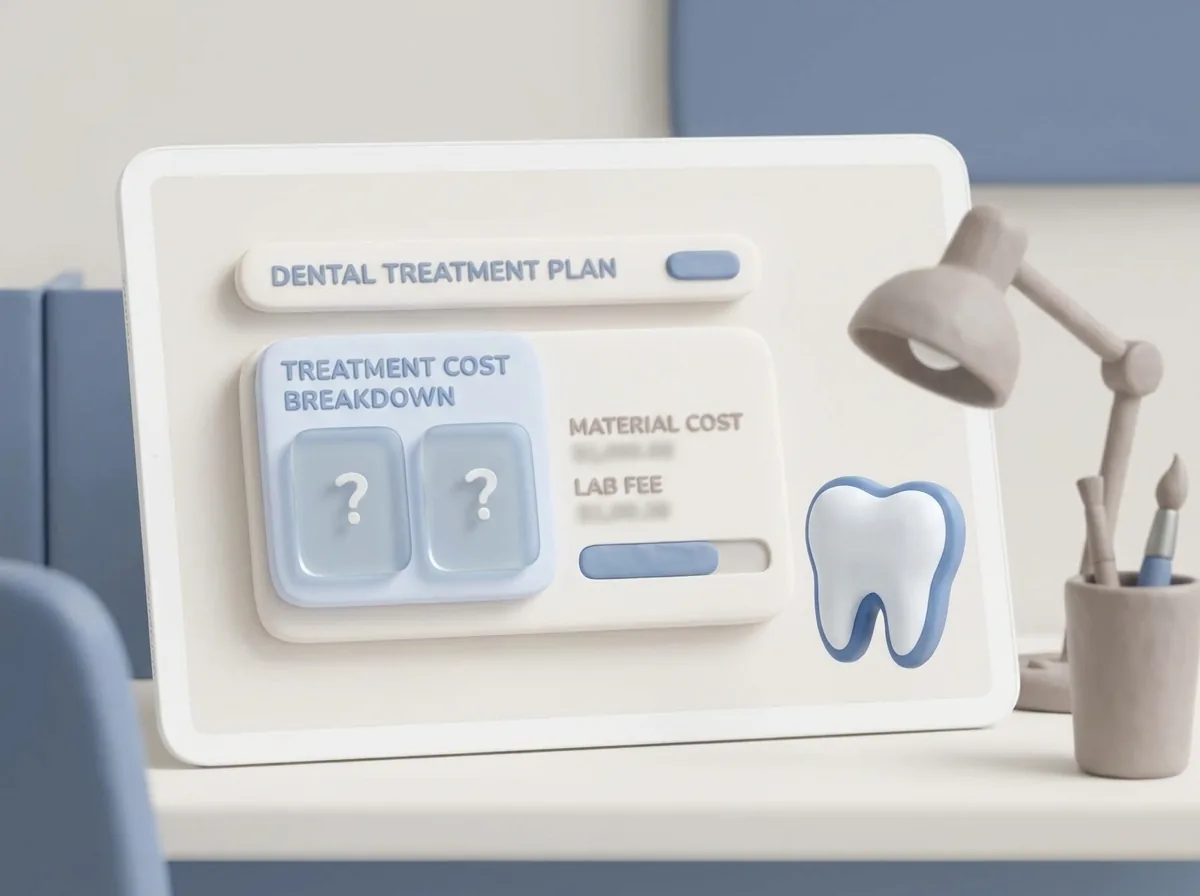
A simple material journey: log usage, update stock, catch risk, approve reorder, and keep treatment cost visible.
A stock-control layer that connects clinical usage, reorder thresholds and supplier visibility without turning the team into spreadsheet owners.
Quick answer
Medicasimple helps clinics track materials, surface low-stock risk and keep inventory work close to the daily clinical workflow instead of a separate back-office spreadsheet.
Dental inventory software
materials + supplies
Stock management
thresholds + reorder
Clinic operations
chairside usage
Why clinics compare it
Your team requests needed materials digitally, and the stock manager instantly receives a 'New stock request created' mobile push notification.
Link dental stock items to treatment lines. When a root canal is marked completed, the gloves and filing materials deduct from the main depot in seconds.
Track all dental inventory movements with a complete audit trail, from the requesting staff member to the delivering manager.
Each branch manages its own depot. When a treatment completes, the system deducts from the correct clinic's stock, preventing cross-location confusion.
Give your team one dental inventory management workflow for material pressure, expiry risk, requests, barcode updates, and treatment-cost visibility before the clinical day is disrupted.
Track dental stock levels, rooms, and branch locations with less manual chasing
Surface low-stock and expiry risks before they affect appointments
Connect material usage back to treatment costs and operational reporting
FAQ
Dental inventory management software helps clinics track stock levels, room requests, expiry dates, barcode updates, and material usage so teams can prevent shortages and understand treatment-related costs.
Yes. You can customize output directions such as room, depot, or doctor, and each branch can manage its own depot for clearer dental clinic inventory management.
Yes. Materials can be linked to treatment workflows so usage is deducted from stock and remains visible when the clinic reviews treatment costs.
When clinic rooms create a request, the assigned stock manager receives an instant mobile push notification and can review the request through a clearer operational queue.
FAQ
Yes. Mobile barcode scanning can help teams add or remove stock faster and reduce manual entry errors in daily inventory work.
Yes. Minimum quantity rules help teams see reorder pressure before it becomes an appointment-day problem.
Yes. Expiry-aware stock records help teams review risk and use materials before they become unusable.
Yes. Role-based access keeps the workflow shared while protecting actions that should stay controlled.
FAQ
Yes. Updates can be tracked so teams can understand who requested, approved, and delivered the quantities.
Yes. Teams can review limits, approve requests, and use mobile barcode scanning for fast updates.
See the guide, recent changes, and practical thinking that can help you move this workflow forward.
Open the demo modal and compare stock, lab, and treatment cost visibility against the way your clinic manages materials today.