


Communication and automationsSMS1 min read
Sending Individual SMS
You can send SMS to your patients outside of automatic SMS templates and create custom SMS content specific to your patients.
Updated
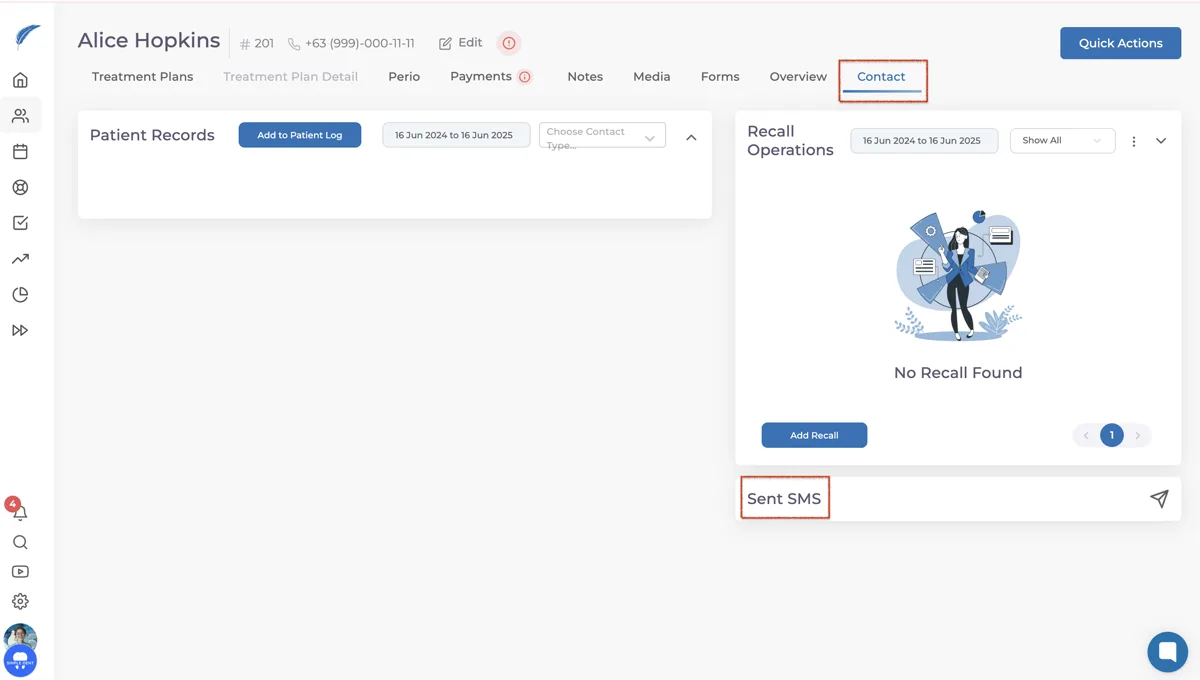
To send an SMS, first go to the patient’s profile and click on the Send SMS option under the Contact section.
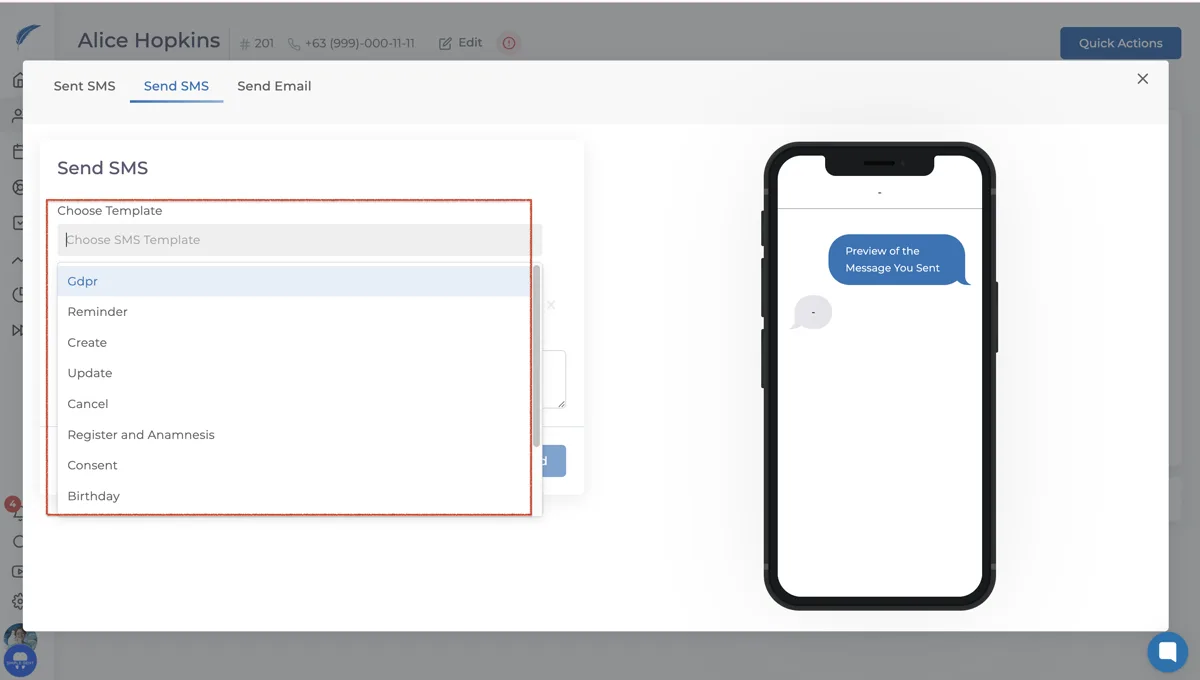
In the window that opens, you can either:
Select one of the existing templates and make necessary edits in the SMS Content field.
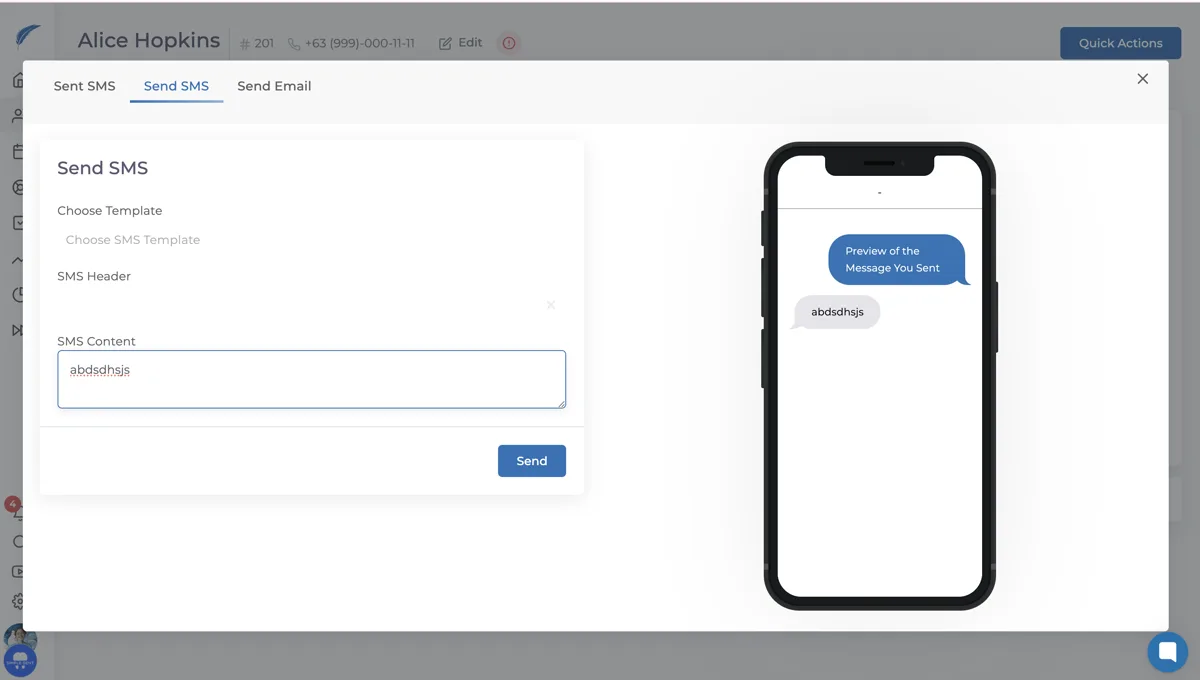
Or, write your message directly in the SMS Content field to create a custom message.
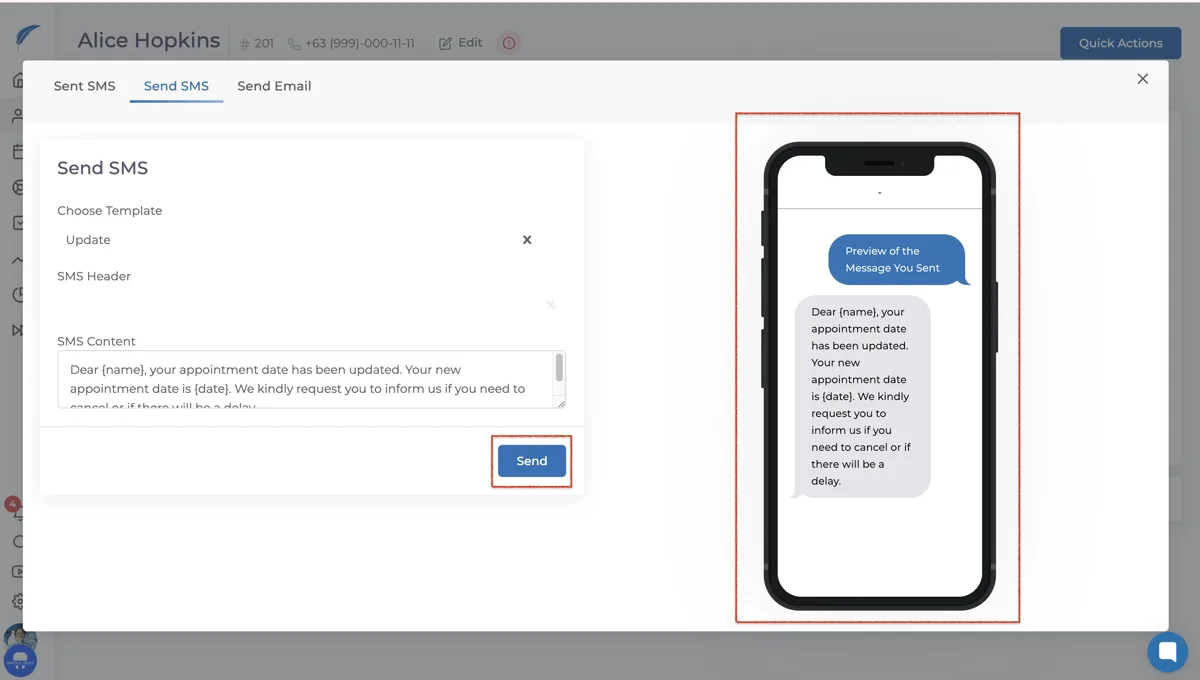
On the right side of the screen, you'll see a preview of how your message will look to the recipient. Once your SMS is ready, click the Send button to deliver your message.
Keep going