








🧾
Step 1
Create the forms your clinic needs
Build custom forms for intake, anamnesis, and consent using choices, text fields, and signatures.

See how each part of Medicasimple connects into one calmer clinic workflow that is practical, secure, and built to make the next step feel obvious.
Explore practical answers, clinic stories, product thinking, and team context before you take the next step.
User ratings on Google and the App Store

From dental to physio, dietetics to aesthetics. One platform, every specialty. Built for clinics that want less admin and more time with patients.


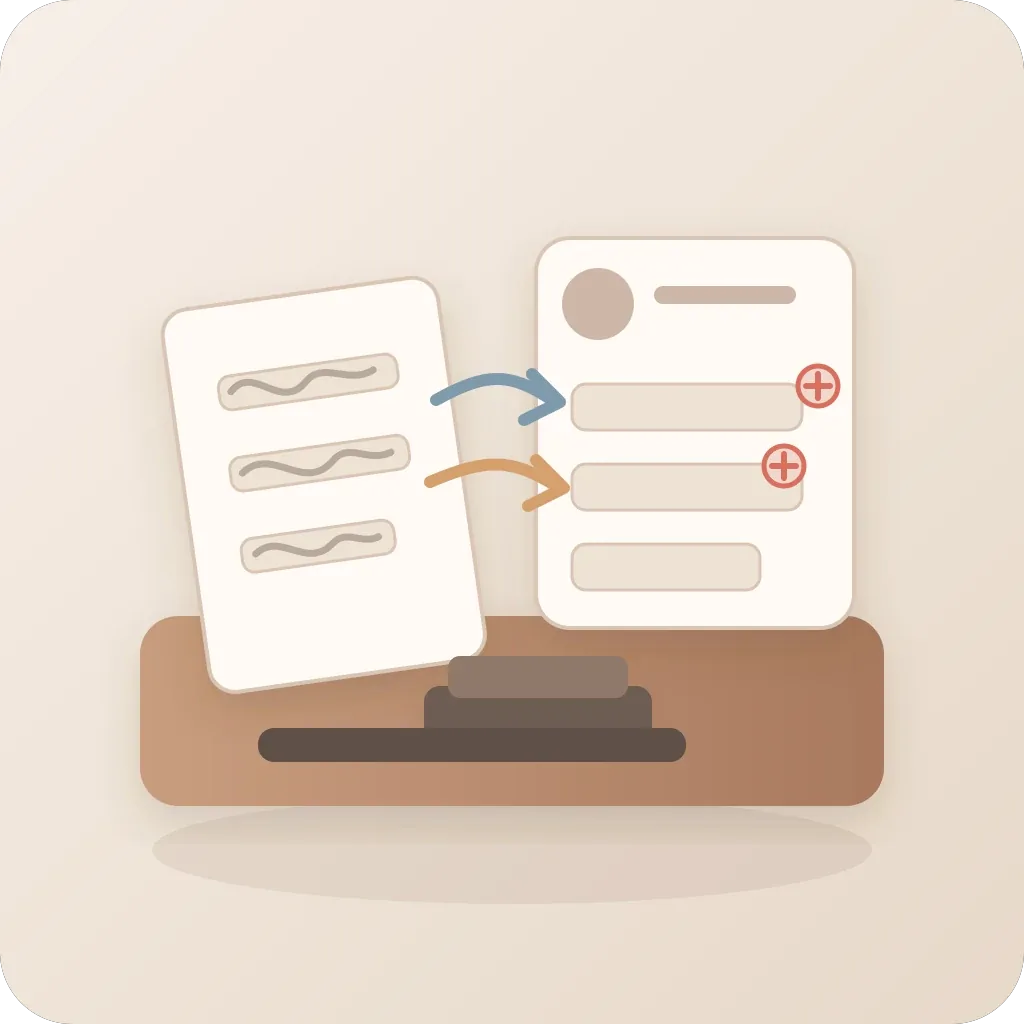
Medicasimple turns document collection into a repeatable process: create the form, collect the answer before the visit, and keep the result in the patient record.
Build anamnesis, patient experience, or intake forms perfectly tailored to your clinic's needs with short answer, multiple choice, and signature fields.
Map form questions directly to the patient profile. When the patient submits the form, their ID number, phone, and address update automatically.
See which treatment plans have an approved consent form and hover over the approval indicator to check the recorded date and time.
See how Medicasimple helps dental teams collect forms, review documents, and keep signed records connected to the patient profile.
Create custom forms for intake, consent, and medical history
Find completed forms instantly from the patient profile
Update patient details automatically from form answers
FAQ
Digital dental forms collect structured information from the patient, such as intake details, anamnesis answers, consent information, or feedback. Patient documents are the broader records and media that need to stay connected to the patient context.
This page is about dental forms and patient-document workflow inside Medicasimple: collecting structured answers, reviewing signed paperwork, and keeping documents easier to find in patient context. Broader archive-automation requirements should be discussed during a demo.
FAQ
Yes. Using the 'Field Binding' feature, you can map form questions (e.g., ID number, address) to profile fields. You can configure rules to 'fill if empty' or 'overwrite' existing data, eliminating duplicate data entry.
Yes. If a patient answers 'Yes' to 'Do you have diabetes?' on their anamnesis form, the system can automatically assign them to a 'Diabetic' risk group and apply the relevant tags.
FAQ
You can generate a PDF proforma or a consent document directly from the treatment plan and send it to the patient via SMS. Patients verify their identity with their date of birth to view and sign the document.
For a public overview of data protection and platform safeguards, visit Security at Medicasimple.
Step-by-step guides, recent product updates and articles on this part of Medicasimple.
Bring forms, signed records, and medical history documents into the workflow your front desk already uses.