


Pediatric Treatment Planning Screen
Children's dental structures and numbers undergo changes until adulthood and differ from those of adults.
Updated
Children's dental structures and numbers undergo changes until adulthood and differ from those of adults. Keeping this in mind, Medicasimple has designed the Pediatric Treatment Planning Screen for use in pediatric dentistry treatments.
When you enter a treatment plan, the standard treatment plan and adult tooth chart will automatically appear. To switch to the pediatric treatment planning screen, you need to click the " >> " button located to the right of the tooth chart.
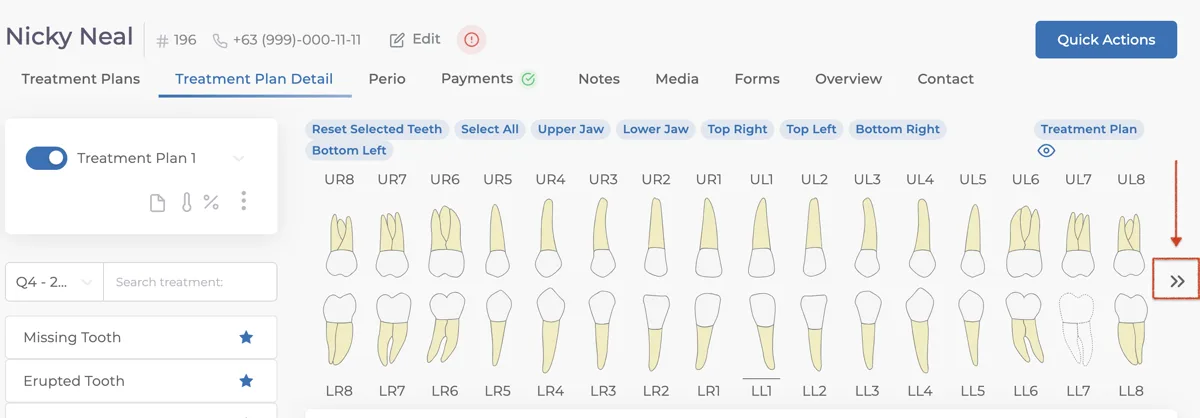
After clicking this button, the screen interface will be updated with the pediatric dental chart.
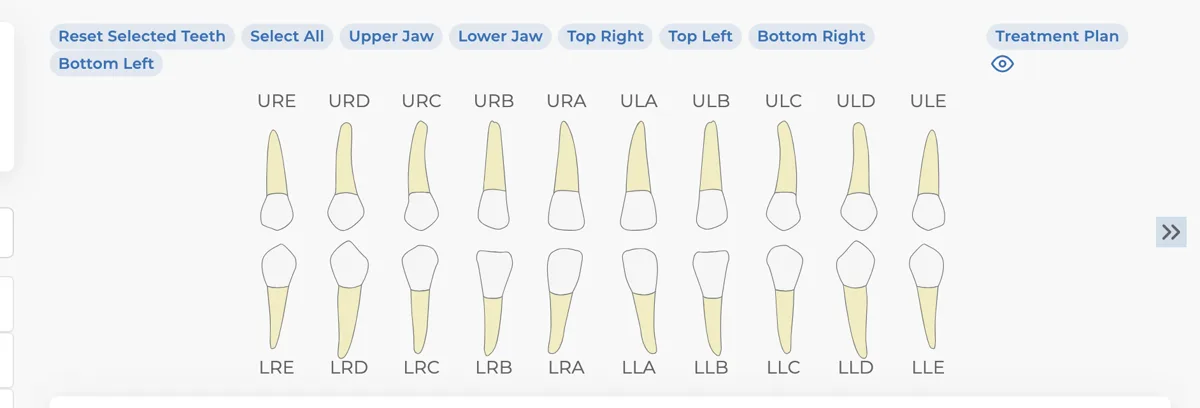
From the Pediatric Treatment Planning Screen, you can create suitable treatment plans for the patient, print your treatment plan, and view account details.
Keep going