


Printing a Treatment Plan
Printing a treatment plan and providing it to the patient has a significant impact on the patient's acceptance of the offer.
Updated
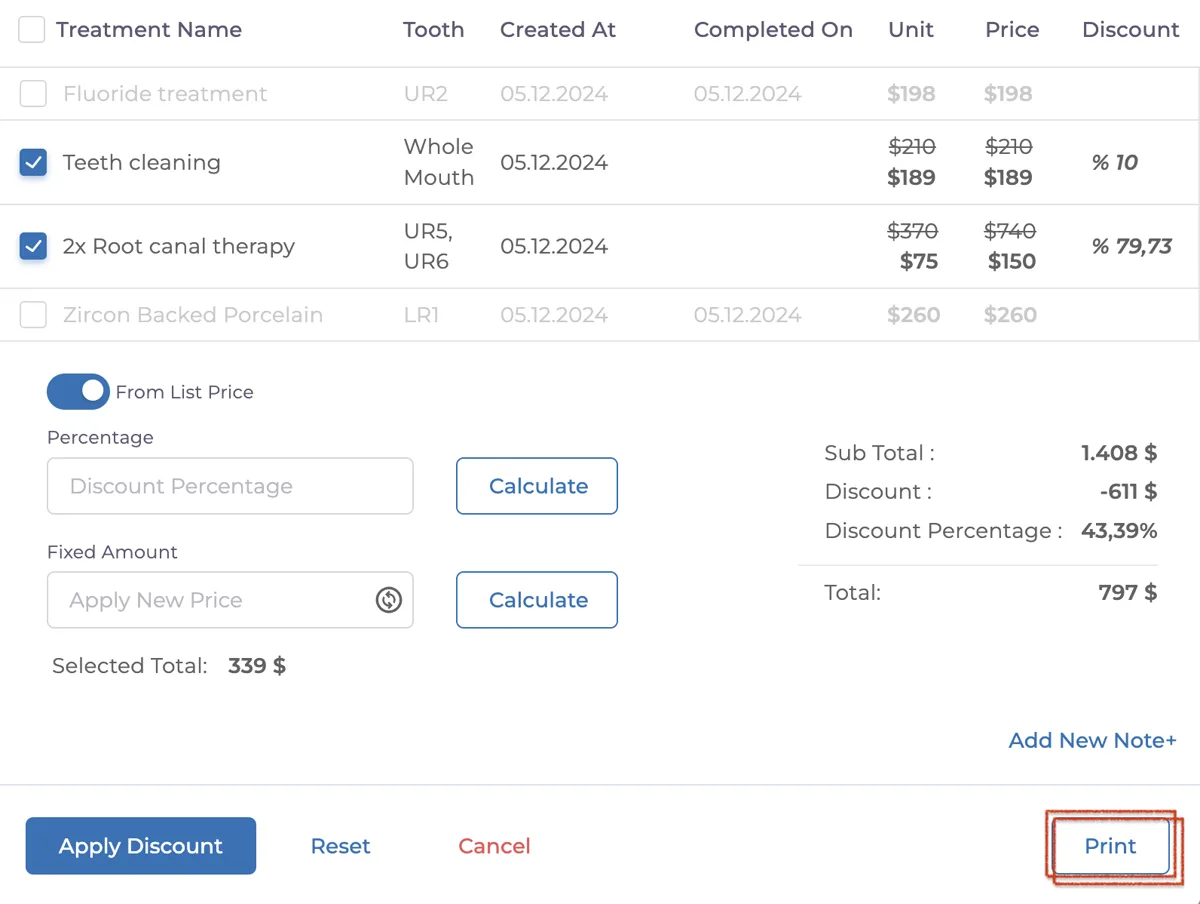
Printing a treatment plan and providing it to the patient has a significant impact on the patient's acceptance of the offer. Therefore, a printed plan will always be more impressive. There are two ways to print a treatment plan within the application. You can access these two methods through the two separate buttons indicated in the image below.

The first method is to use the "Print" button located where the discounts are applied. After completing the discounts and saving the treatment plan, you can print the output using the print button.
The second method is to click on the three dots on the right side of the treatment plan and select the "Print" button from the menu that appears.

When you click this button, a preview of the plan will be generated and you will reach the printing screen.
Note: Please wait for the preview process to complete before printing; otherwise, the plan may not be printed correctly.
Important Note: Ensure that all changes are saved before printing. Unsaved changes will not be reflected in the printed plan.
Keep going