


Treatment Plan Status
For each patient, multiple treatment plans can be created and several plans may be actively running simultaneously.
Updated
For each patient, multiple treatment plans can be created and several plans may be actively running simultaneously. Therefore, we differentiate between these plans by categorizing them as active and inactive.

Gray-colored closed plans are those that have been prepared and proposed for the patient. If the patient accepts the proposal, the plan should be activated. Plans listed with a blue key are active plans where one or more of the procedures have been completed. However, closed (inactive) plans have not had any procedures applied to the patient.
To set plans as active or inactive, you can change them under the "Active" heading in the treatment plans section of the patient's profile.
Important Note: If a procedure is to be moved from active to inactive, all recorded operations within that plan will be deleted. If a plan has some completed procedures and others pending, and the patient decides to discontinue treatment, the plan should not be made inactive, as all completed procedures will be erased.
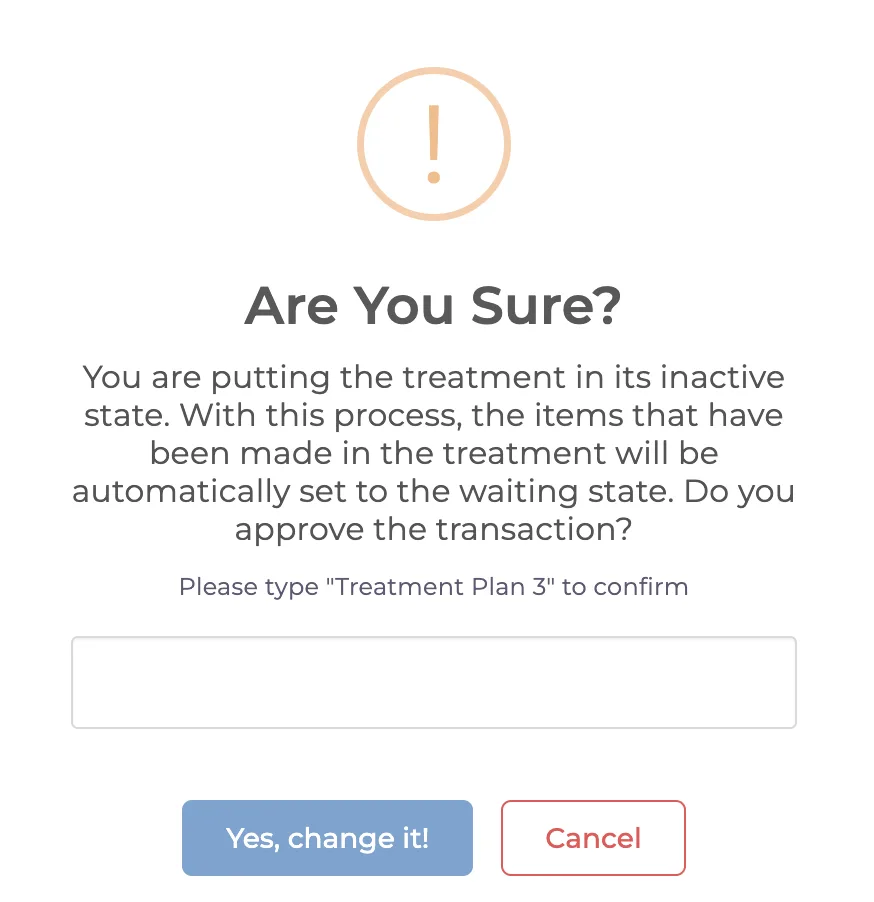
In such cases, you will encounter a warning like the one above. By clicking "Yes, change it!" any records of the actions taken will be reset, and the plan will revert to an unstarted state.
Keep going